Add exchange integrations to automatically sync your coins …
Add exchange integrations to automatically sync your coins #tutorial
Replies
Create API Keys for Coinbase Exchange Sync Integration
Create API Keys for Coinbase Pro Exchange Sync Integration
create api keys for binance exchange sync integration
create api keys for kraken exchange sync integration
create api key for bittrex exchange sync integration
create api key for poloniex exchange sync integration
create api key for gemini exchange sync integration
create api key for hitbtc exchange sync integration
create api key for cex exchange sync integration
create api key for kucoin exchange sync integration
create api key for luno exchange sync integration
create api key for cryptopia exchange sync integration
create api key for bitstamp exchange sync integration
create api key for itbit exchange sync integration
create api key for exmo exchange sync integration
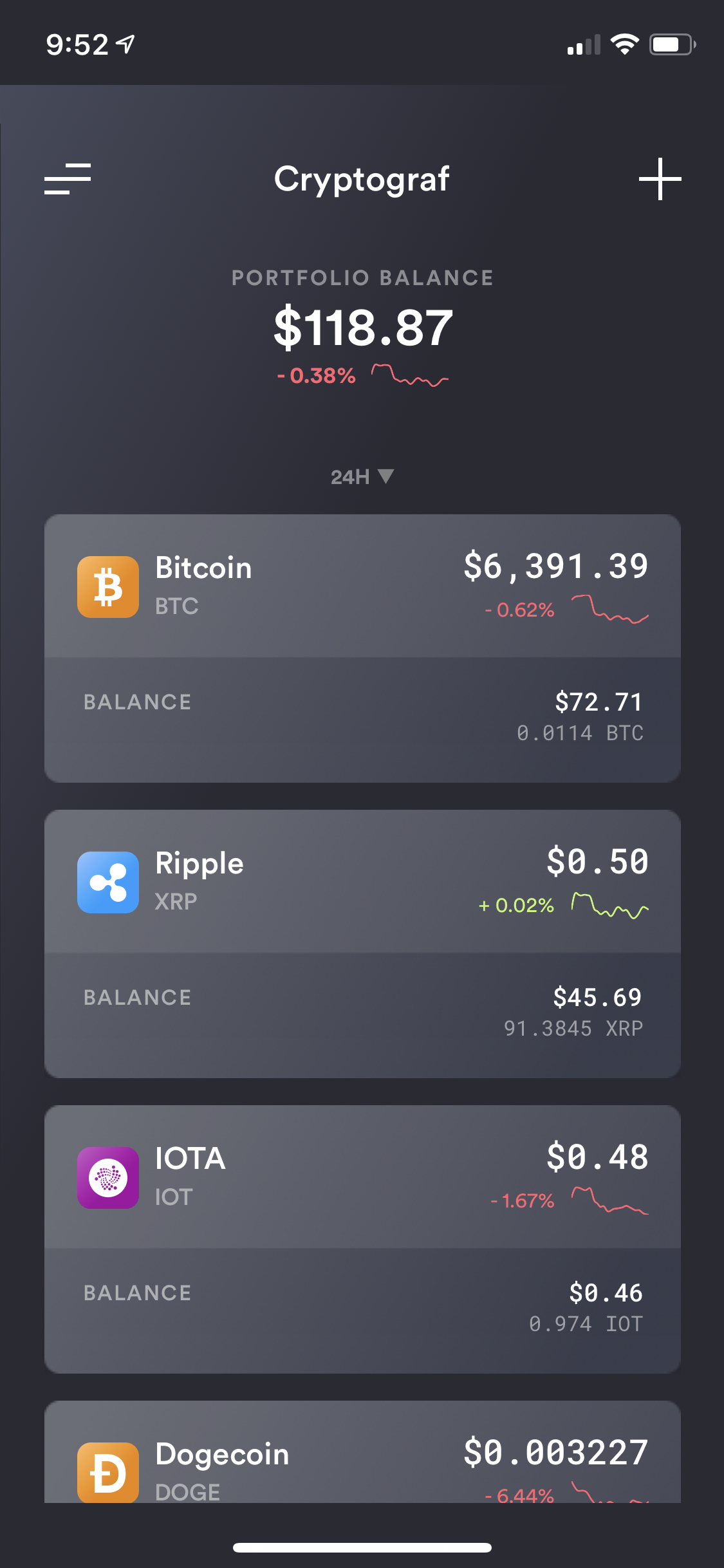
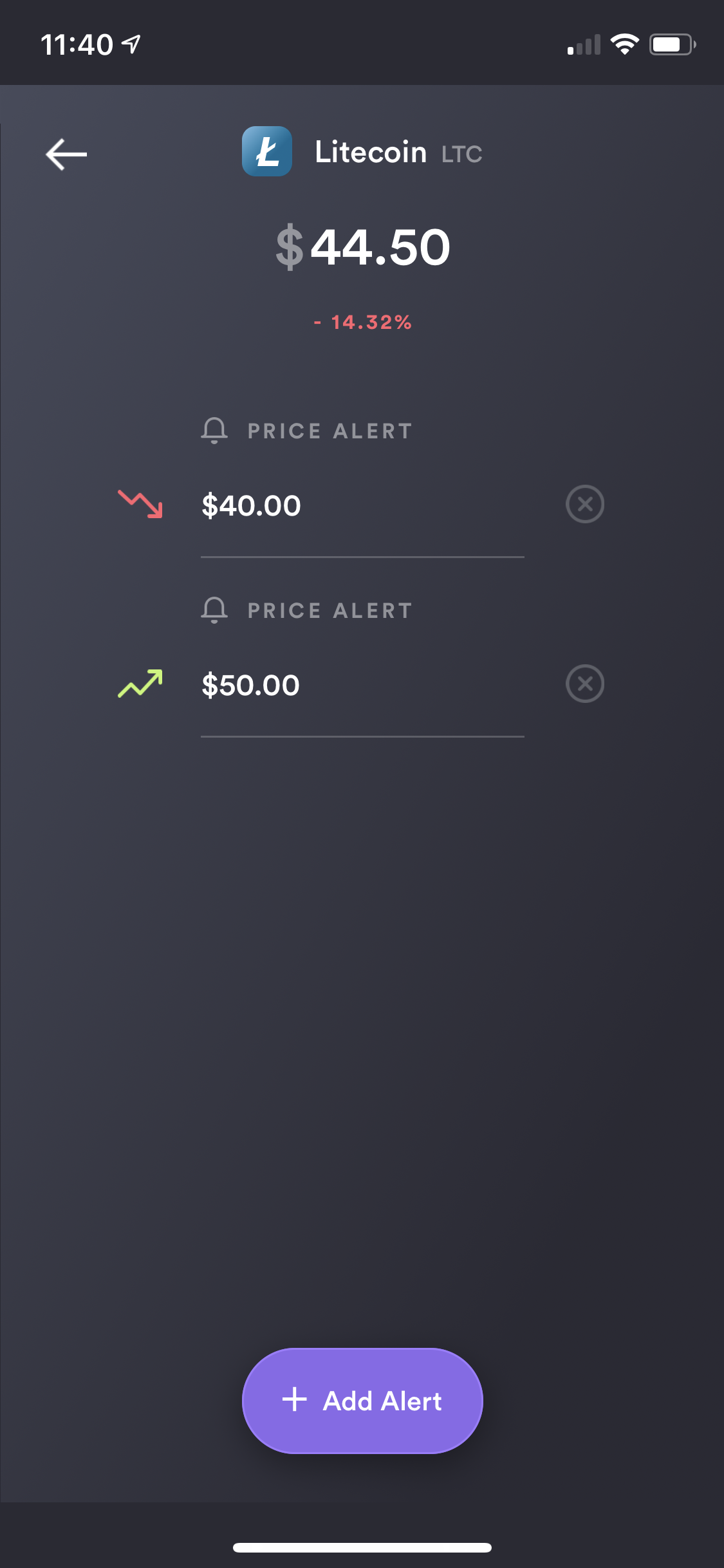
Cryptograf app allows you to enable a set of alerts for a selected coin. From Portfolio or Incognito screen, select a coin you would like to set an alert for.
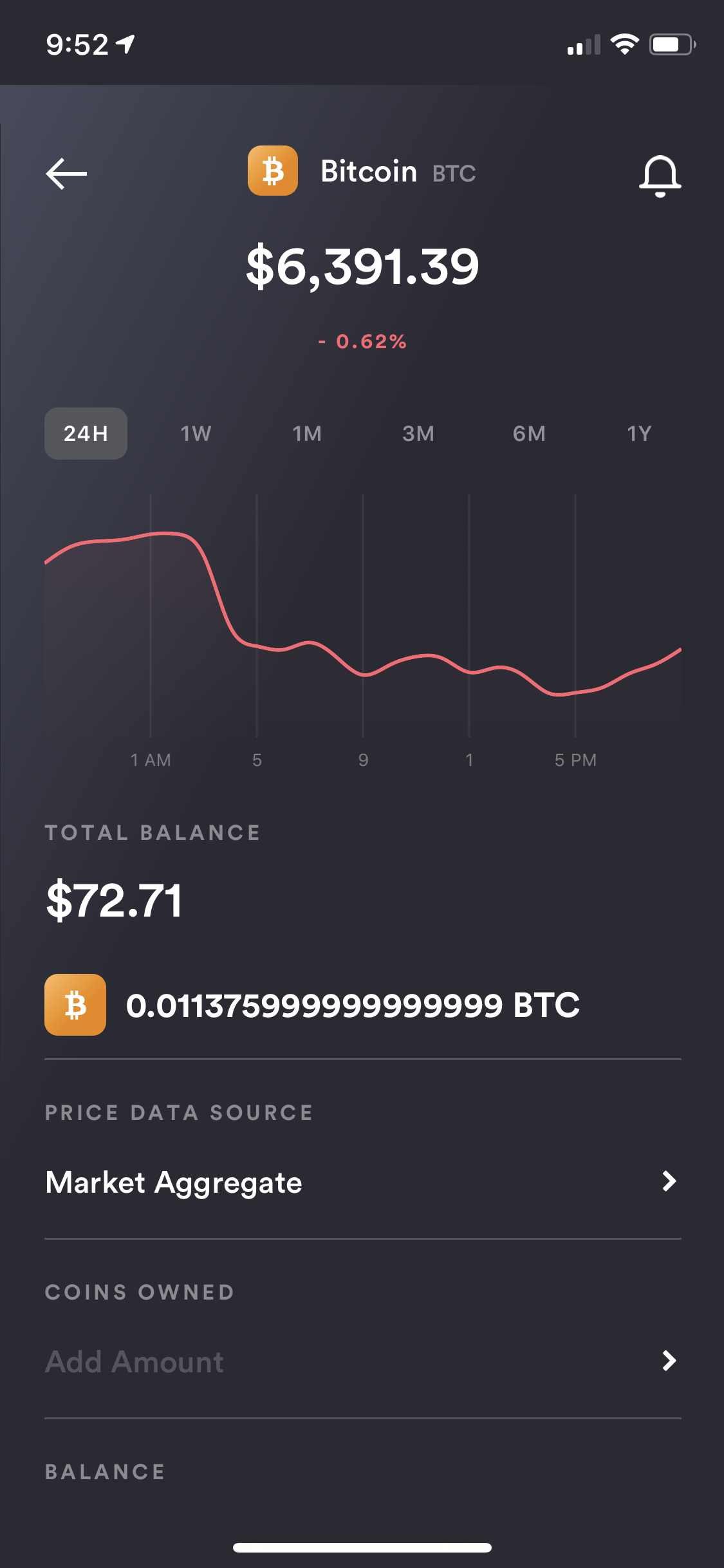
While on Coin details view, click on the "alert bell" icon at the top right corner.
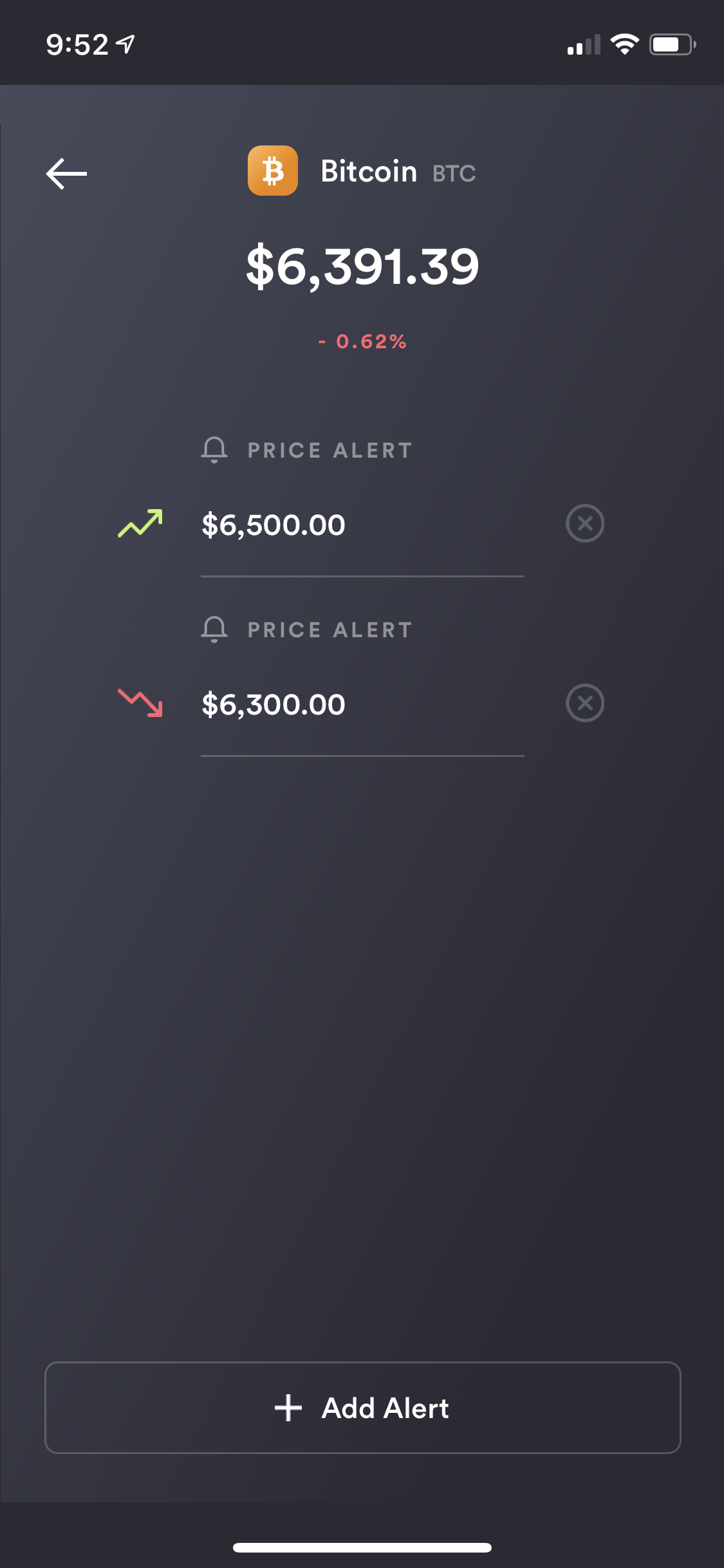
To add an alert, click on "Add Alert" button and enter the price you want to monitor. You can add multiple alerts. The "green" ascending price icon means that the alert has been set for above the current coin price, and the "red" descending price icon means that the alert has been set for below the current coin price.
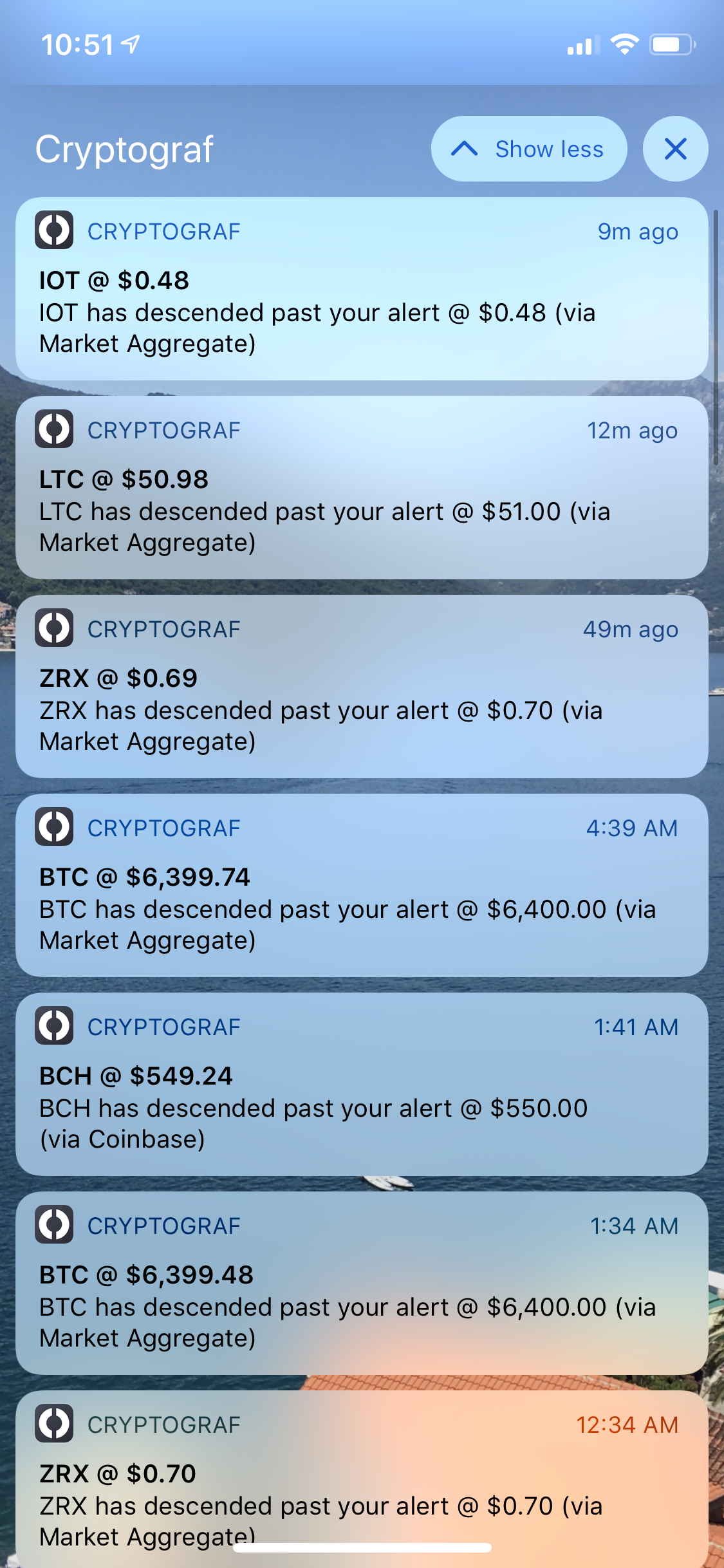
Once alerts are set, you will start receiving notifications whenever your target price is hit. The alert will only go off if the price threshold is crossed in that direction. Please note that there is an hour delay after an alert is hit and before the system will notify you again if the threshold was crossed again.
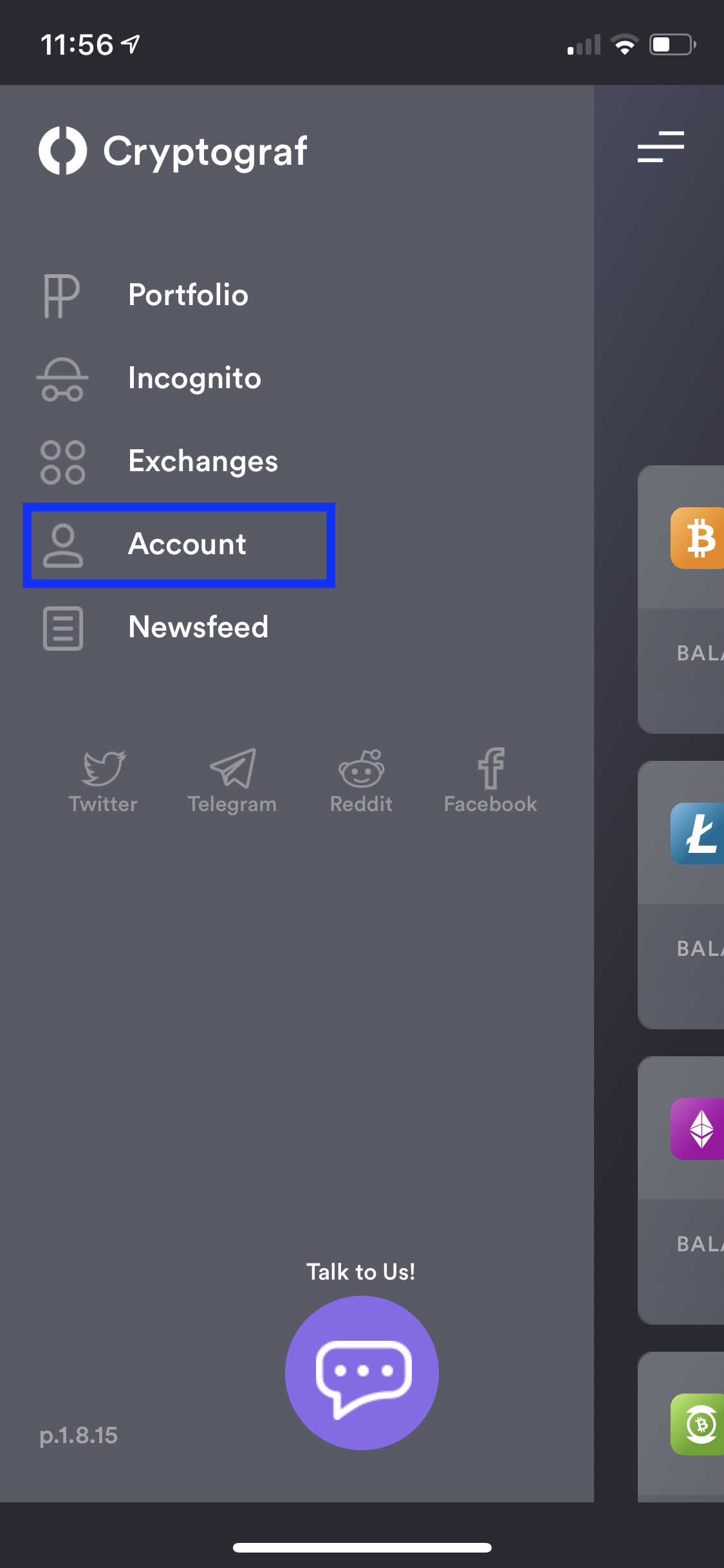
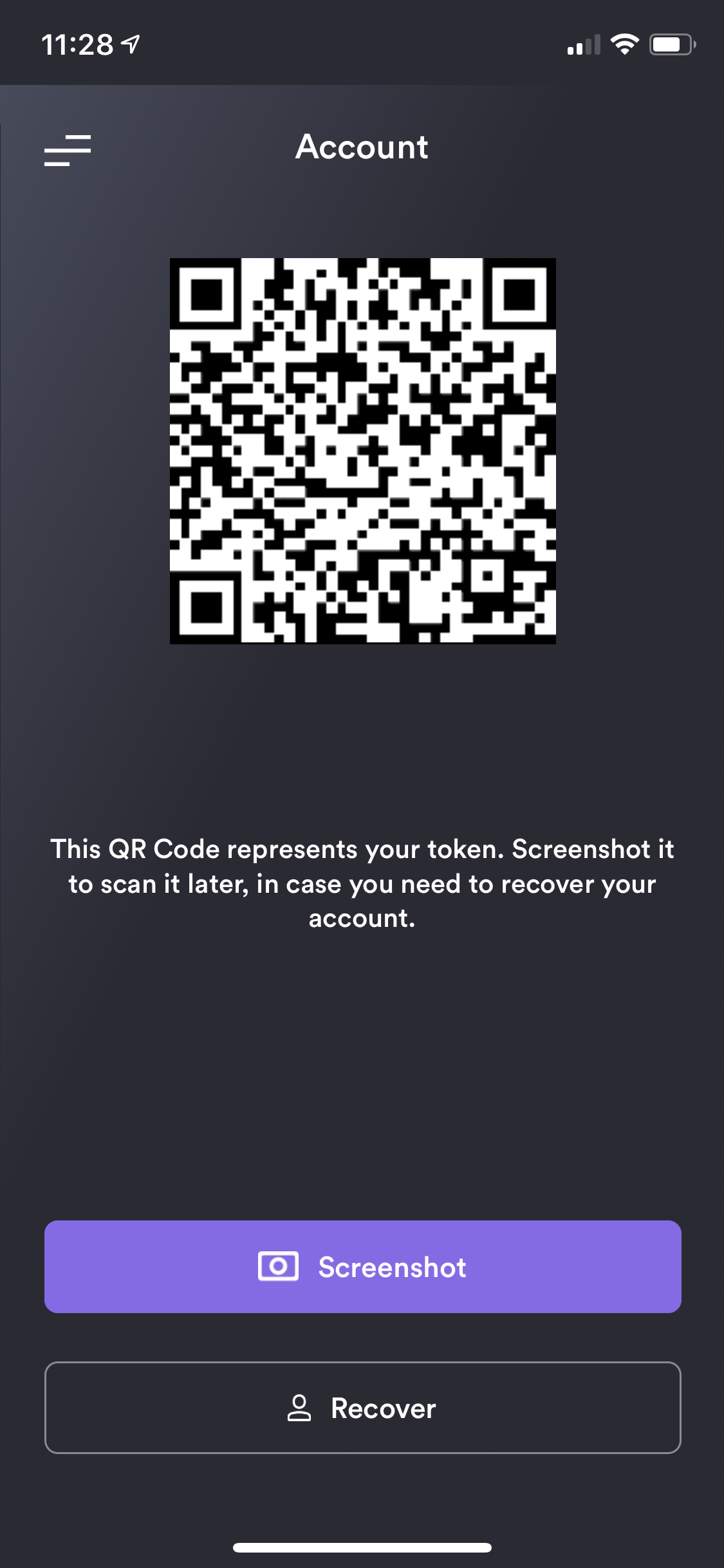
From the Cryptograf app options menu at the top left, select "Account" recovery feature to save or restore your app configuration on existing or a new device.
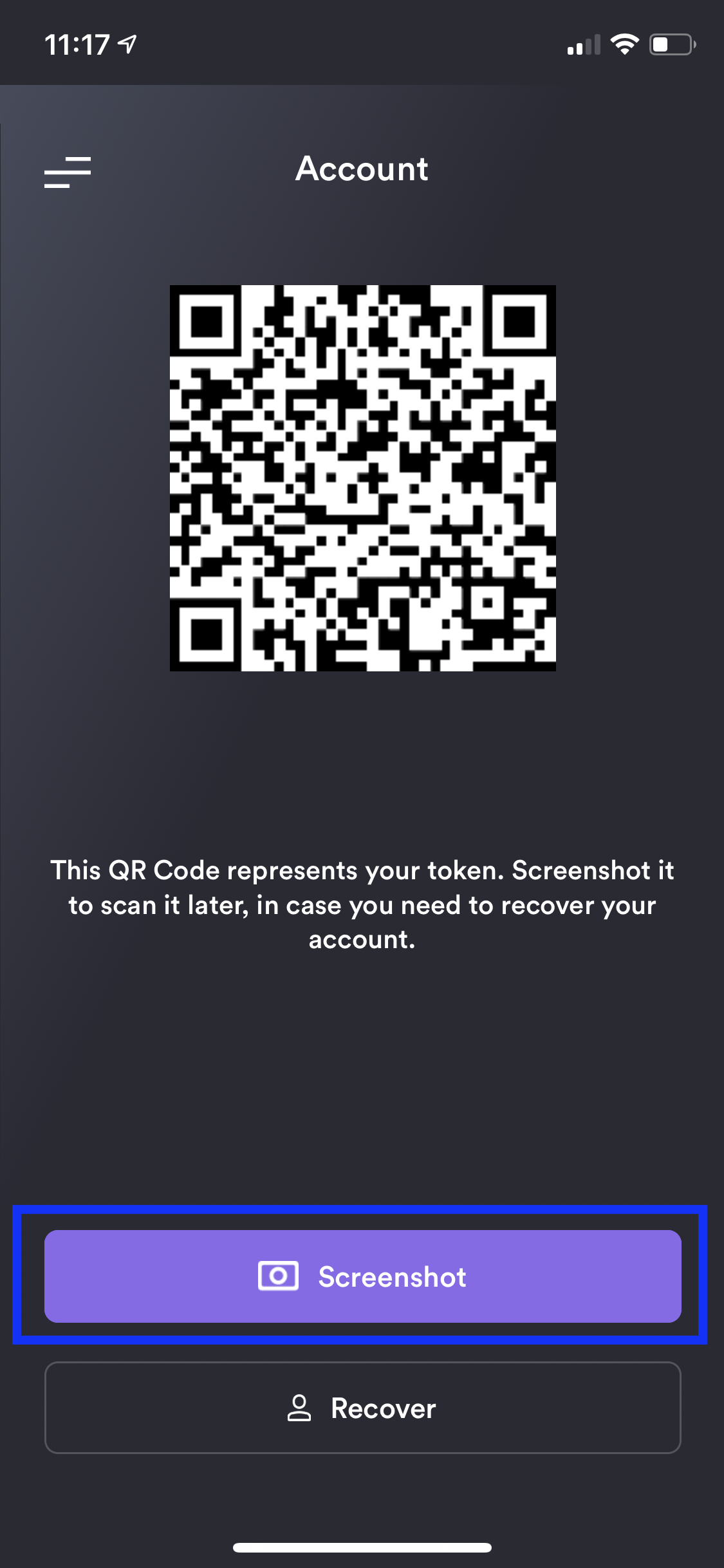
Once on Account recovery page, make sure to use the "Screenshot" button to save your QR code (a visual representation of your account number) in a safe place. You will need it later to recover/re-setup your account.
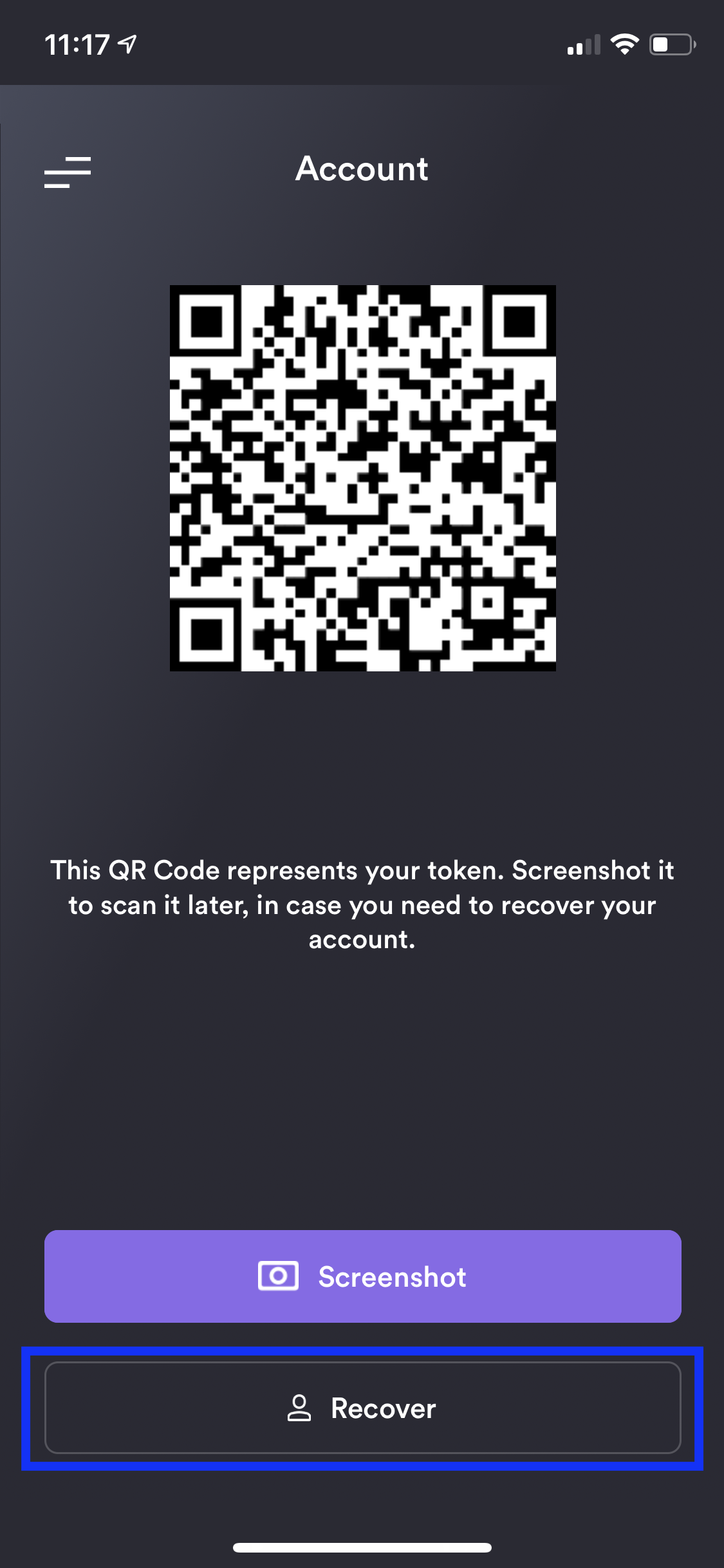
If you need to restore your account, please use the "Recover" button on Account recovery page. Just scan the QR code you have saved before whenever you need to recover/re-setup your account. Please Note: account recovery/re-setup will reset all of your current app settings on your device.
create api keys for quadrigacx exchange sync integration
create api keys for localbitcoins exchange sync integration
create api keys for huobi exchange sync integration
create api keys for lykke exchange sync integration
create api keys for huobi global exchange sync integration
create api key for bitfinex exchange sync integration
Scan your Account QR code to restore the app. Your account settings should now be fully restored.
Cryptograf allows you to track your coins either via manual balance or via supported exchanges sync. From Portfolio or Incognito page click on "Add Coin".
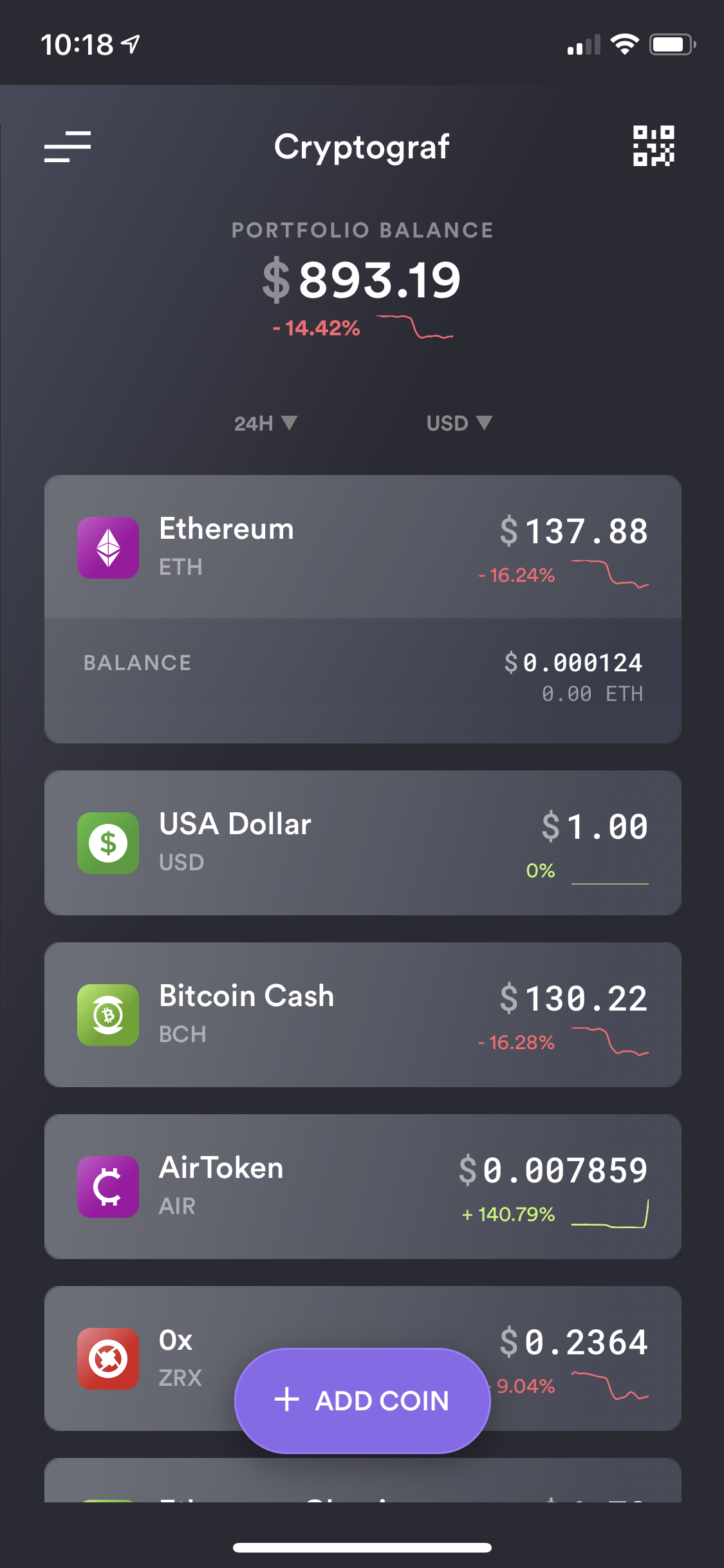
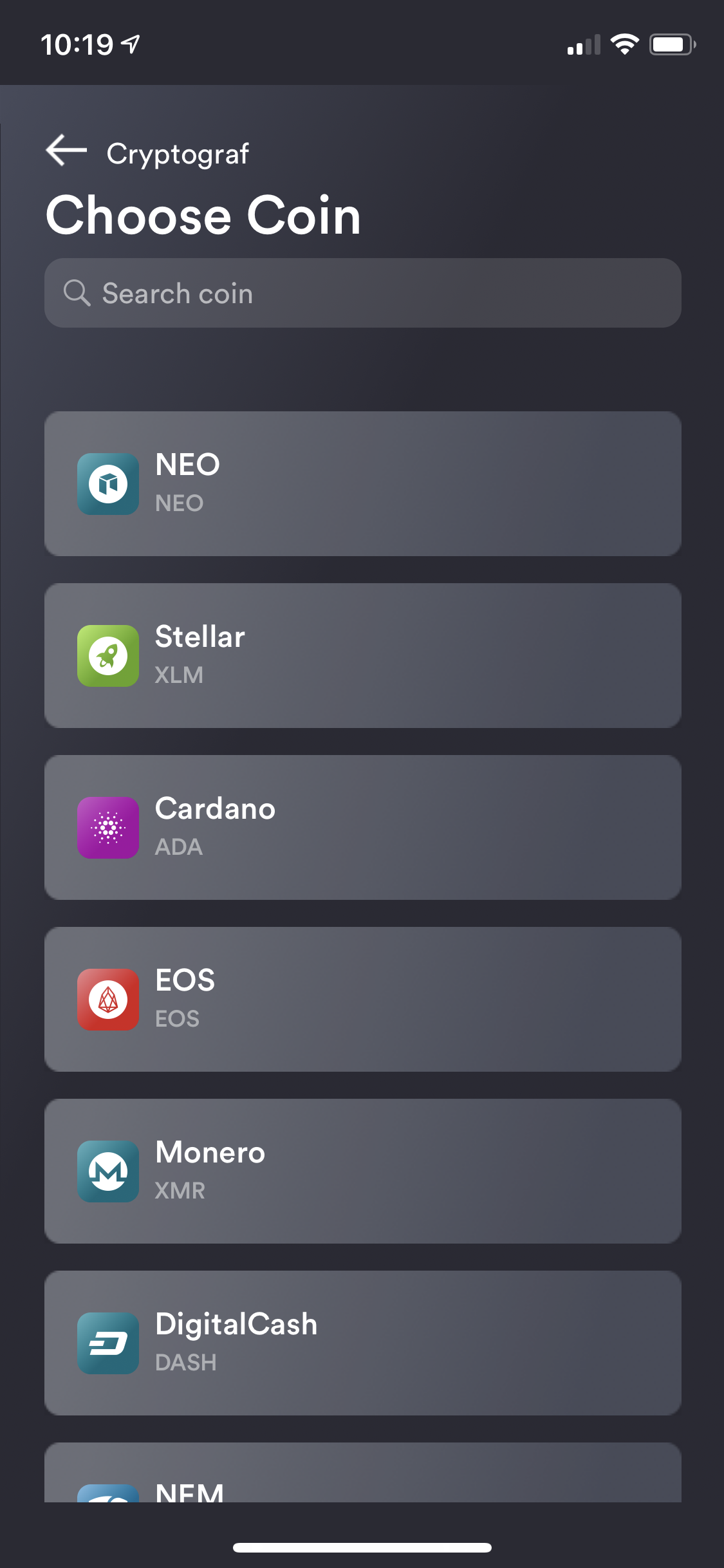
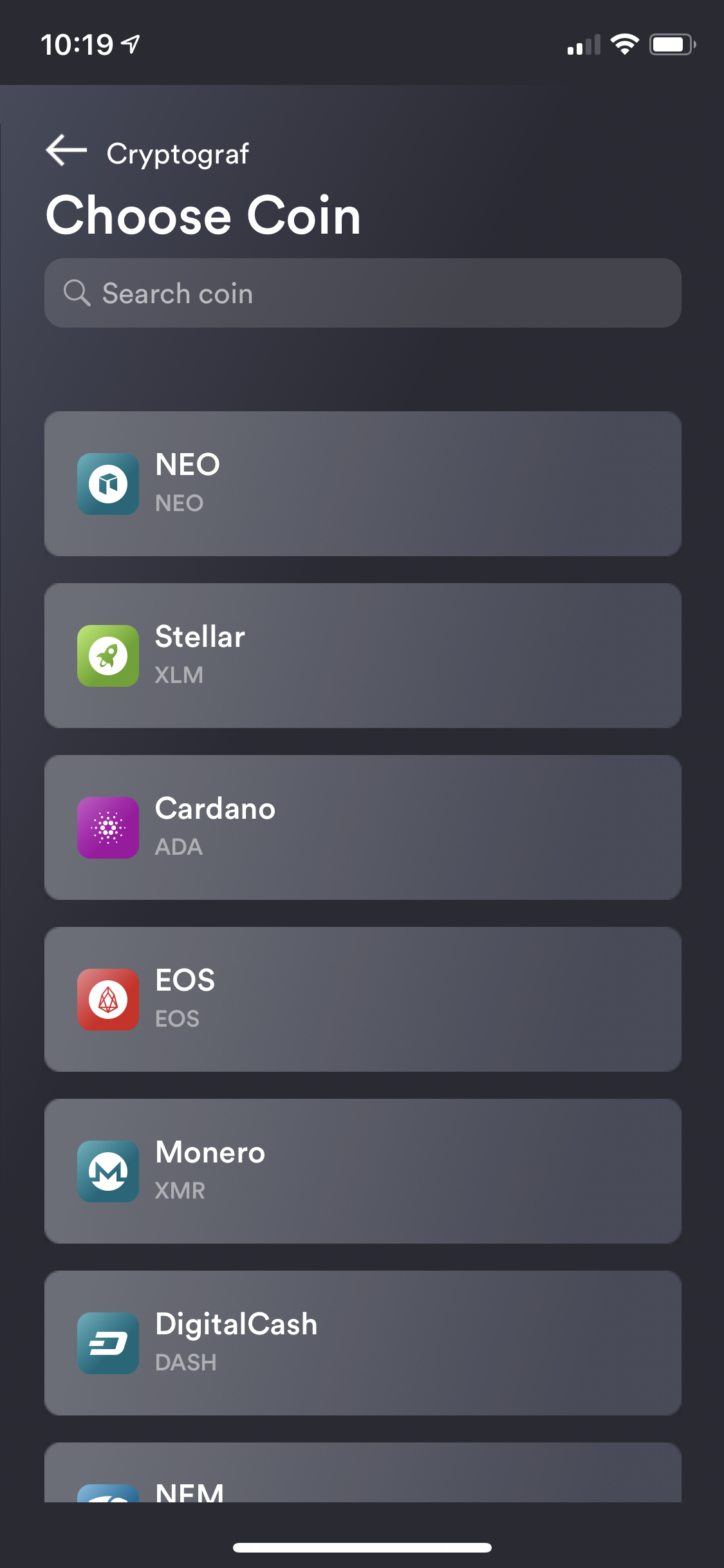
Select the coin you want to add. Search to find your coin quicker.
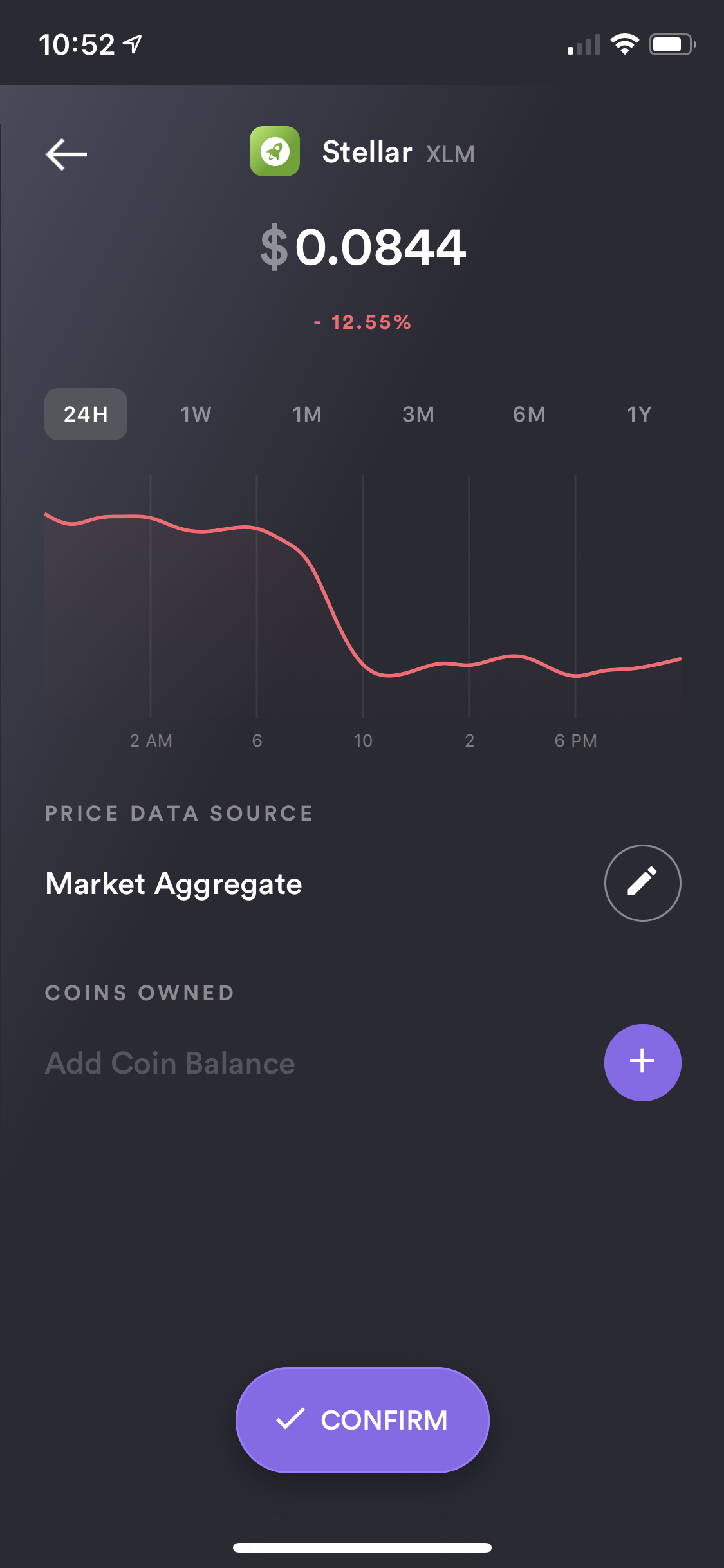
Edit your coins "Price Data Source" (exchange price source you are tracking) and the amount of coins you currently holding. You can also save the coin without entering any amount if you just want to track the coin's price.
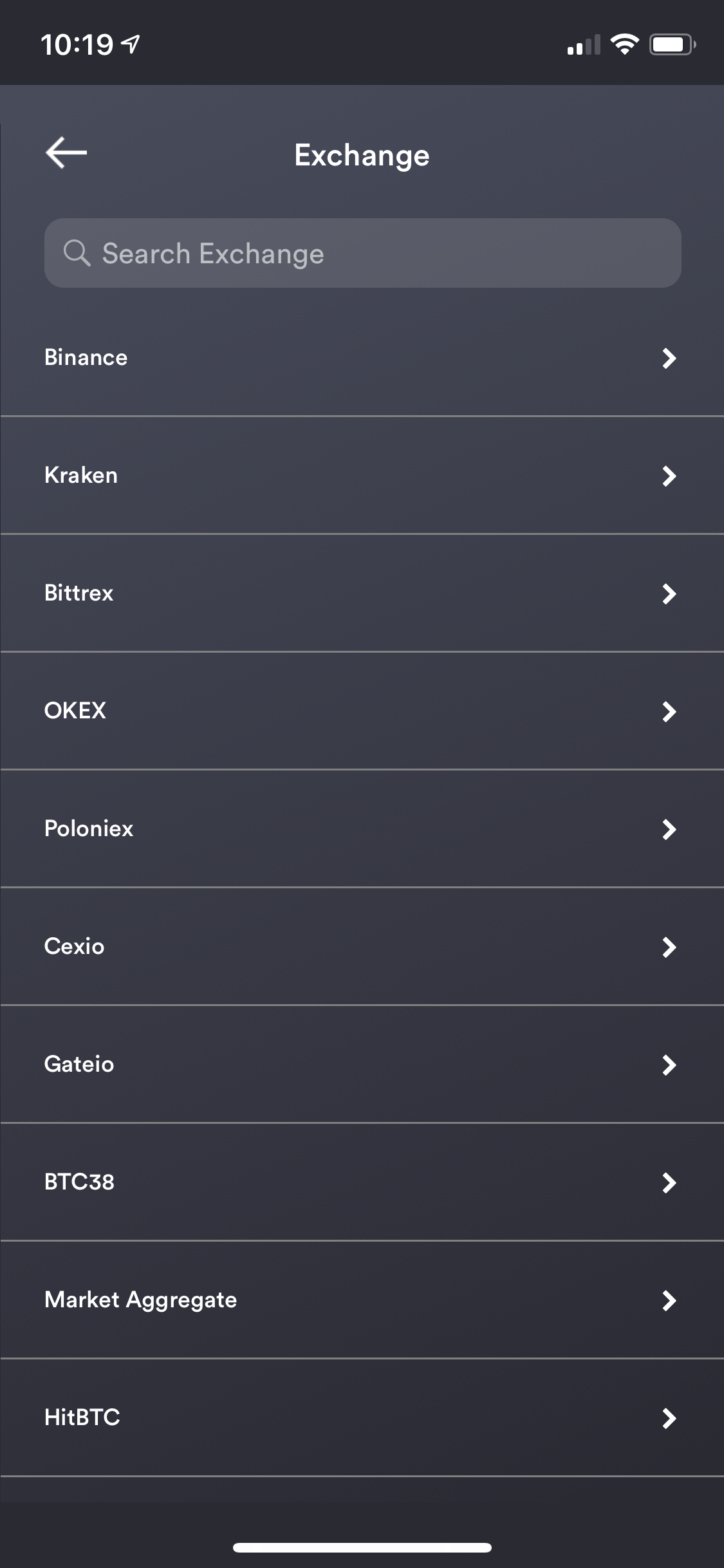
You can select from the number of various "Price Data Sources" available. Search to filter the list quicker.
After your coin's details have been entered, make sure to "Confirm" the coin to start tracking it.
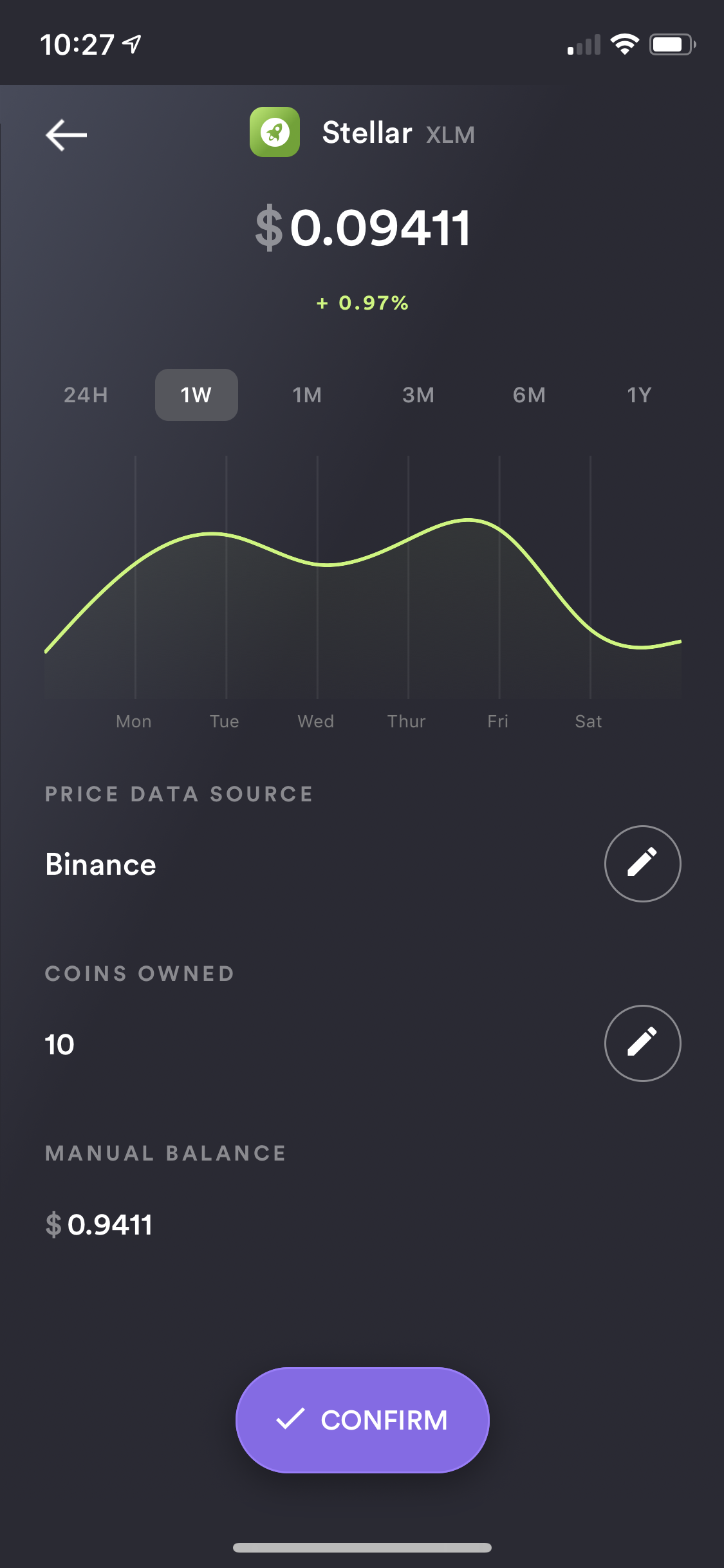
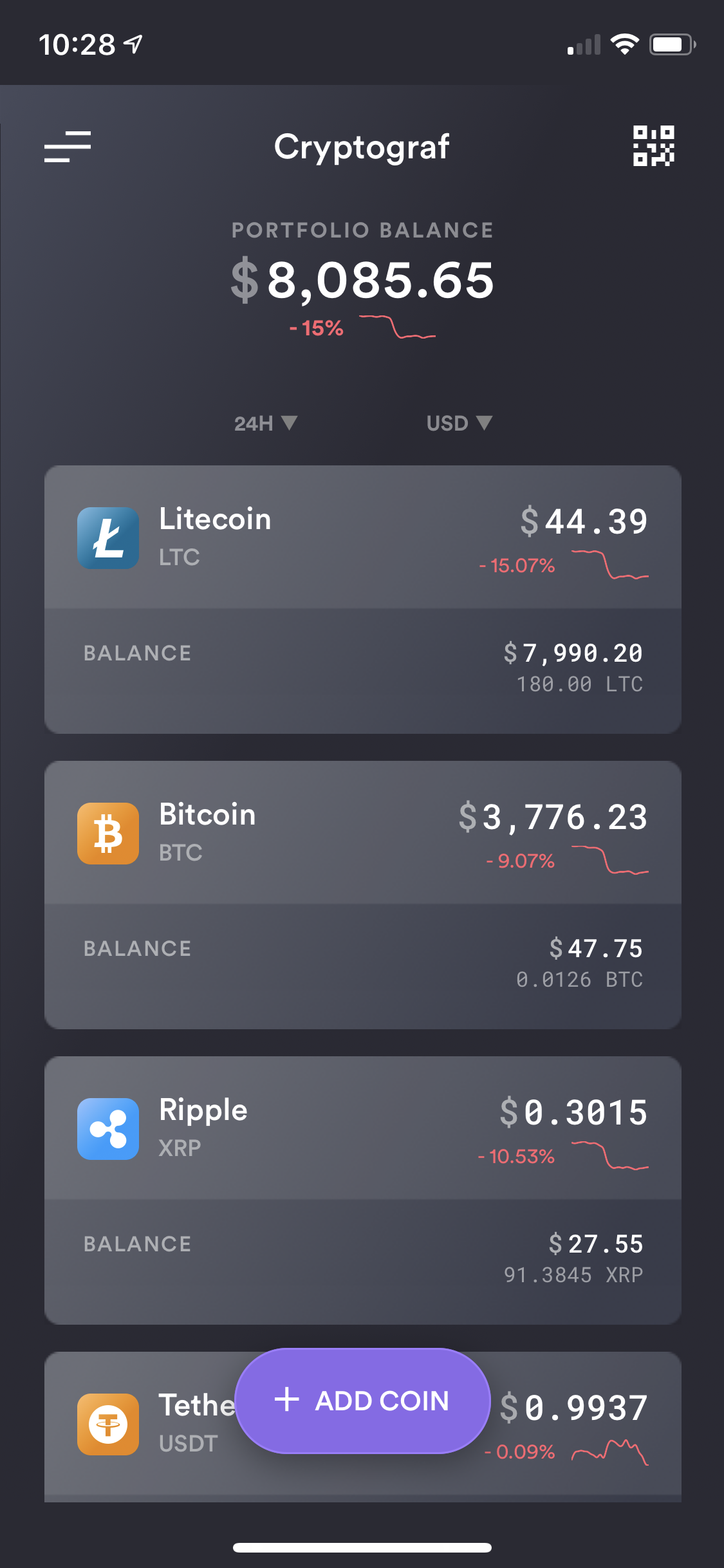
Cryptograf app allows you to quickly and easily track your crypto currencies (coins) via manually entered balances or automated exchanges sync. From price alerts, to date ranges and native currency filters, Cryptograf app is a one-stop app for all of your crypto tracking needs!
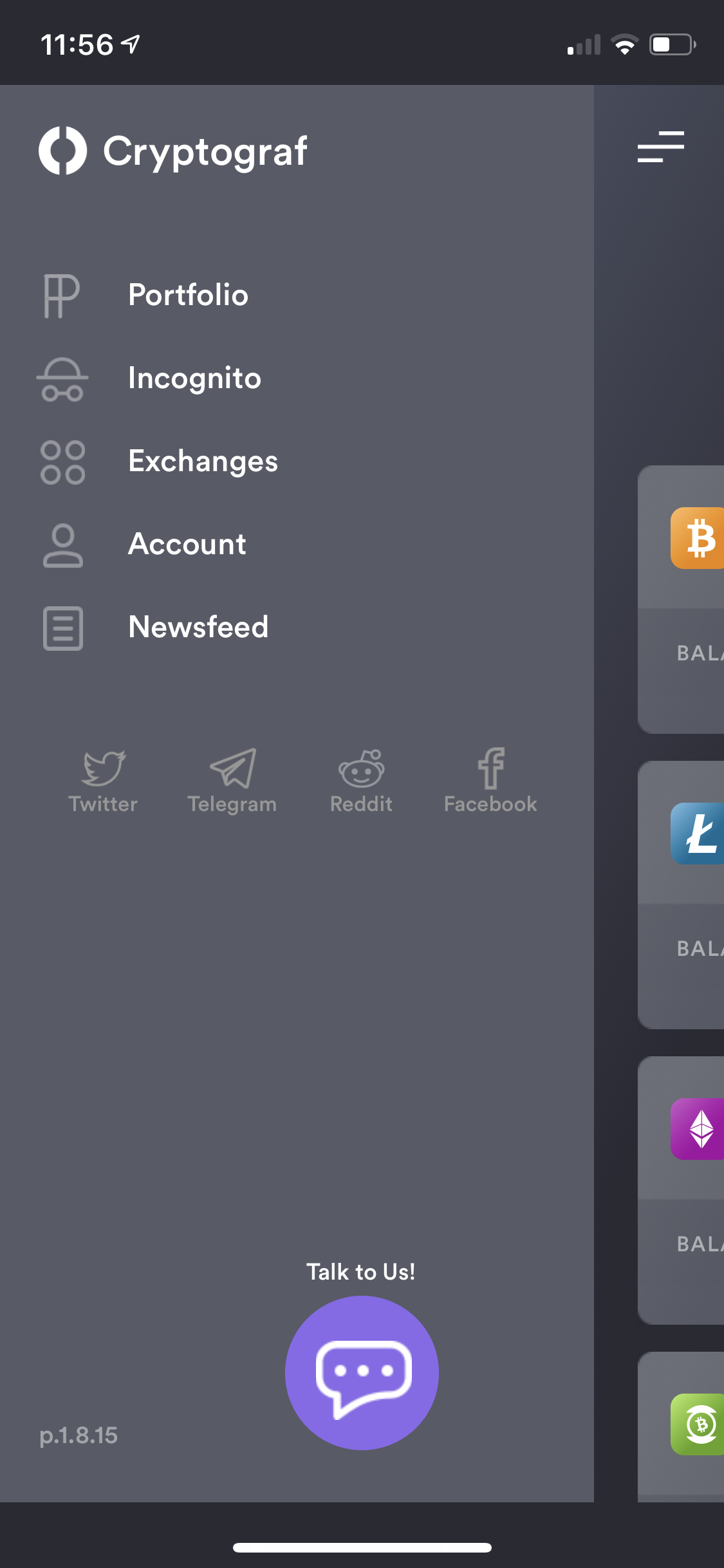
Quickly and easily access app's menu options via top left. You will have the option to access your Portfolio, enable Incognito mode, sync available Exchanges, save/recover your Account settings and research latest crypto Newsfeed.
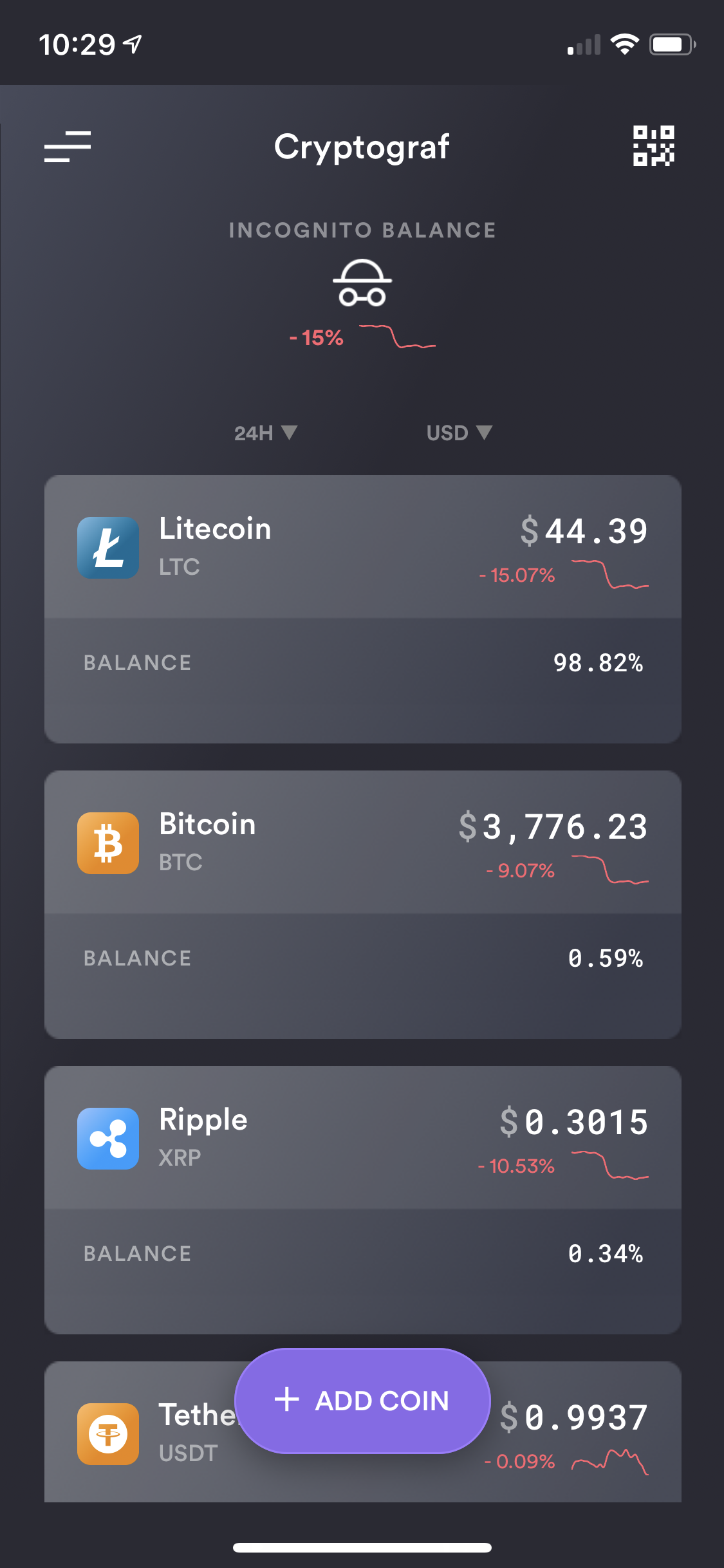
You can easily share your portfolio with friends and family using "Incognito" mode. We will hide your balances, but still show which coins you are tracking.
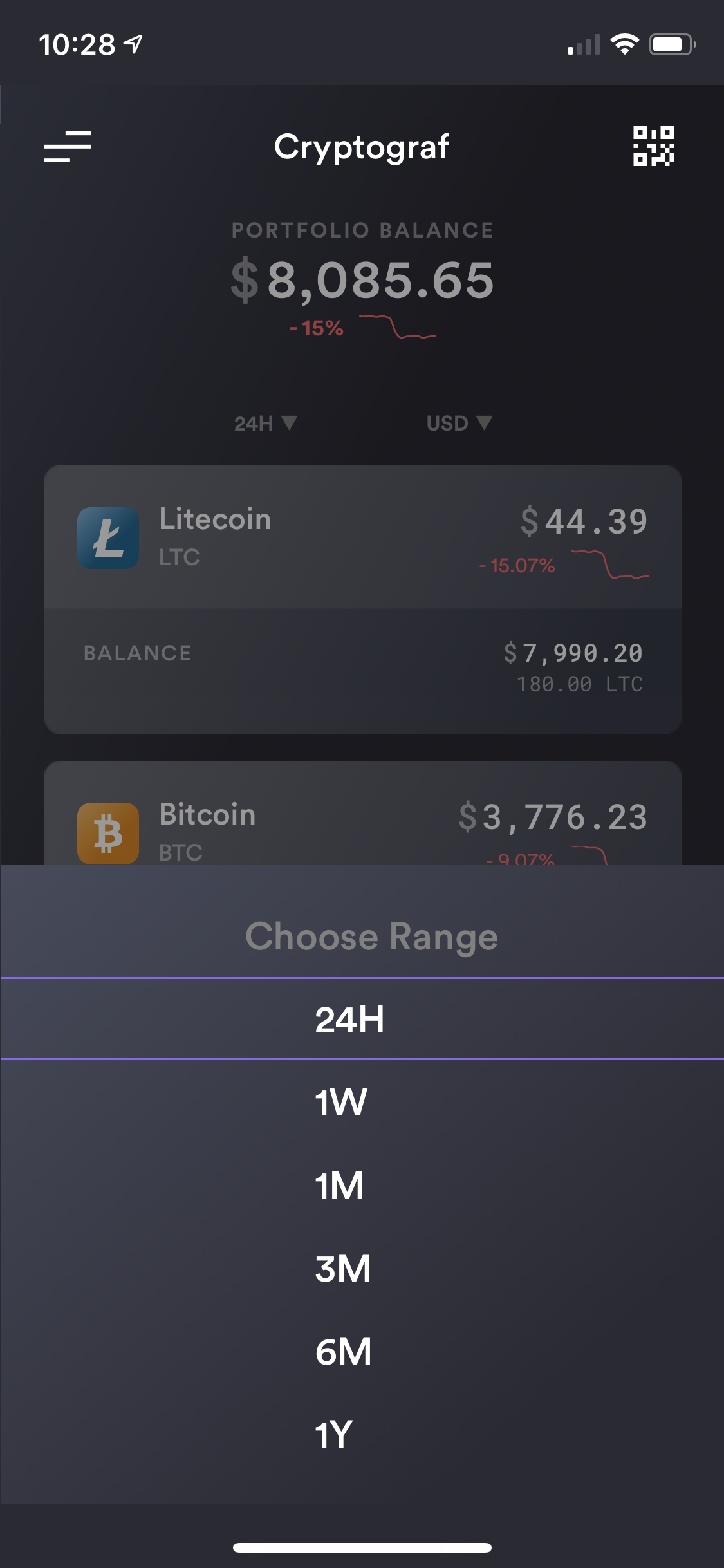
You have the full flexibility in tracking your crypto currencies via a different time range.
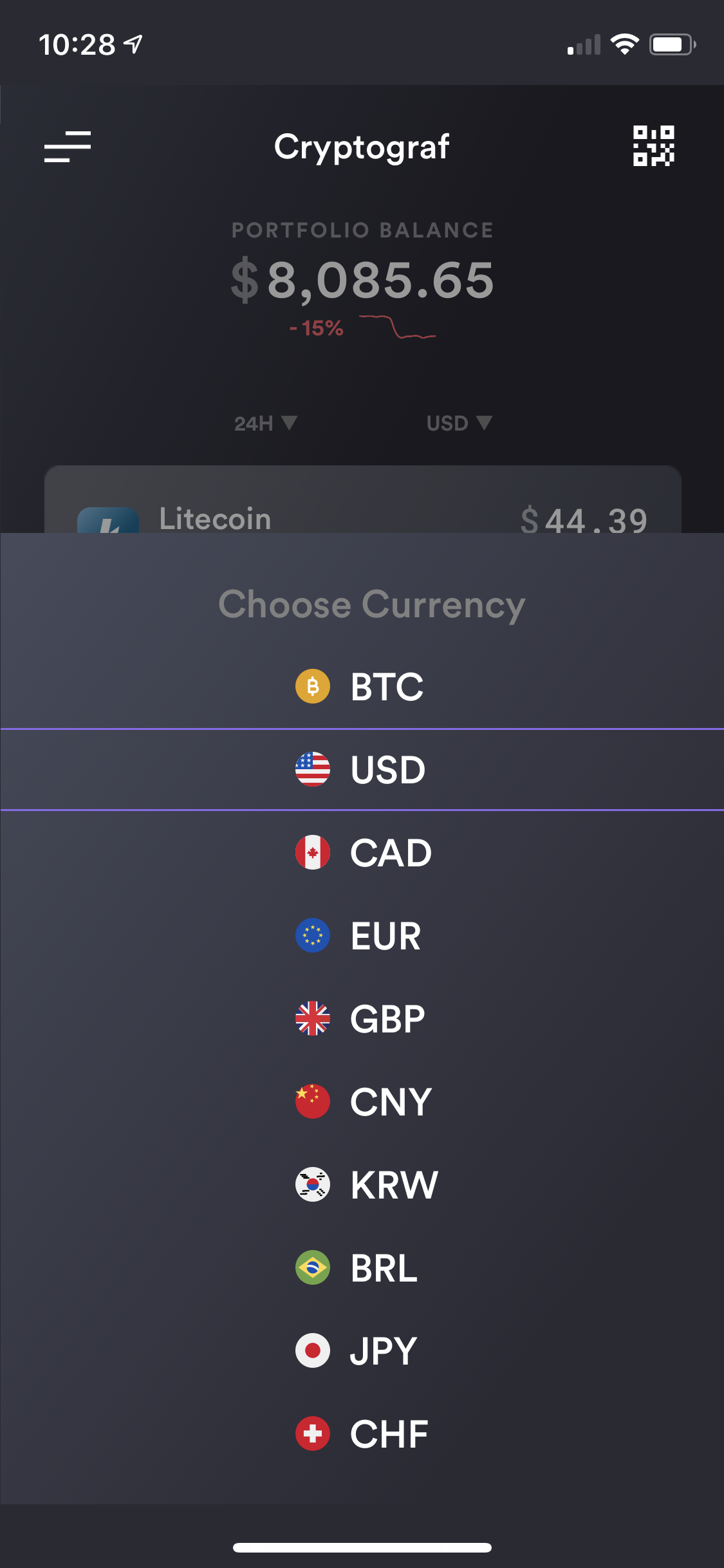
Depending on what region of the world you live in, we allow you to track your crypto currencies in your native currency. You can also track your coins in BTC type currency.
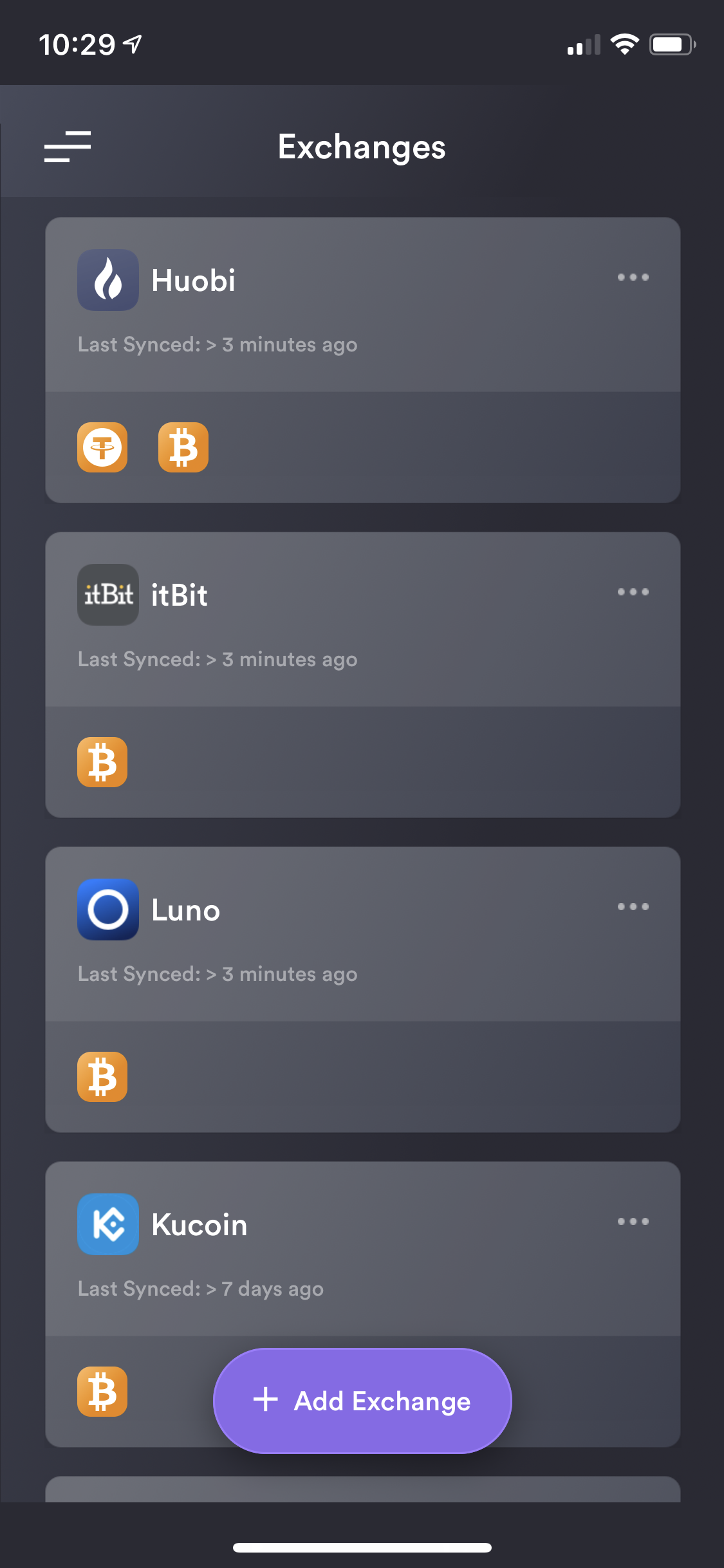
Cryptograf supports automated sync of top 20 exchanges. Please review our Exchanges tutorials for details on how to sync it with Cryptograf: https://knovigator.com/quest/add-exchange-integrations-automatically-sync-coins-tutorial-ygqy7zlm
You can also track various coins by manually entering the Price Data Source (exchange price) as well as the number of coins you are holding. Please review our "Add Coins" tutorial for details: https://knovigator.com/quest/adding-coins-and-balances-to-your-cryptograf-portfolio-3gz6ekpo
Keeping up with ever changing crypto market is not an easy task. If you want to stay on top of different coins and their prices changes we suggest users utilize our "Price Alerts" feature. Please review our tutorial for details: https://knovigator.com/quest/adding-coin-alerts-tutorial-ko51wlrg
If you ever need to restore your app's settings or load your coins data into Cryptograf on another device, you can use our "Account Recovery" feature under app's left menu. Please review our tutorial for details: https://knovigator.com/quest/cryptograf-account-recovery-vo8180pg
create api keys for Liquid exchange sync integration
create api keys for Yobit exchange sync integration
create api keys for Bitlish exchange sync integration
create api keys for Bitflyer exchange sync integration
create api keys for OKEX exchange sync integration
create api keys for GateIO exchange sync integration
create api keys for Binance US exchange sync integration