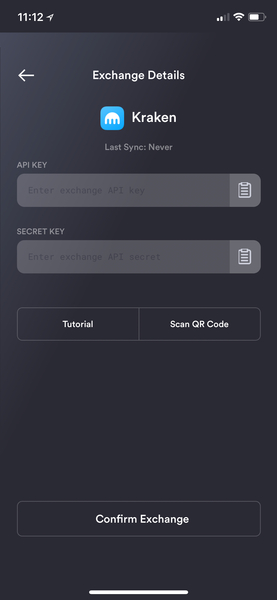
create api keys for kraken exchange sync integration
create api keys for kraken exchange sync integration
Replies
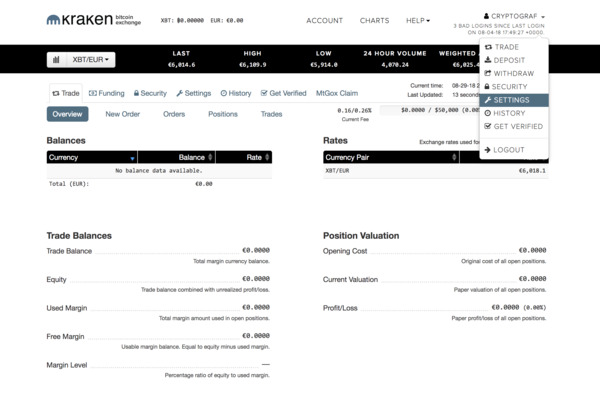
Go to Settings screen under your Kraken main dashboard at the top right or from the navigation tabs.
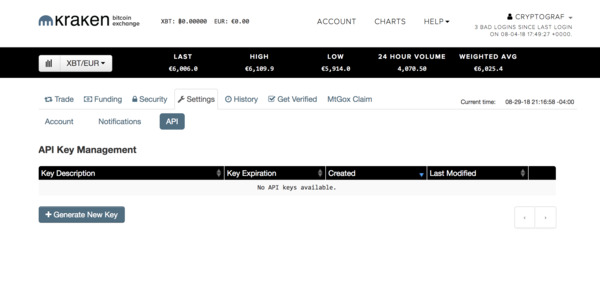
While on the Settings page, select "API" tab. Create a new API Key by selecting "+ Generate New Key" button.
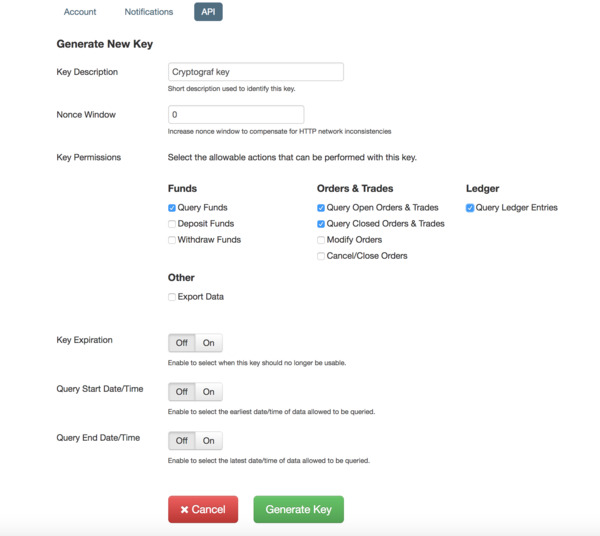
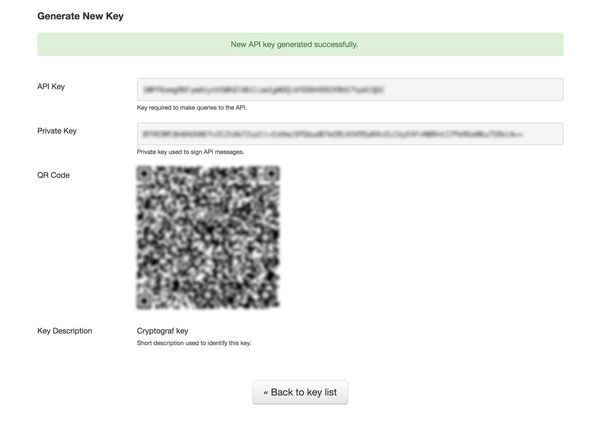
Configure API Key you just created (we recommend selecting Key Permissions for "Query*" options only). Once done configuring, press the "Generate Key" button to save your new key.
Save your API Key and Secret in a safe place for future use.
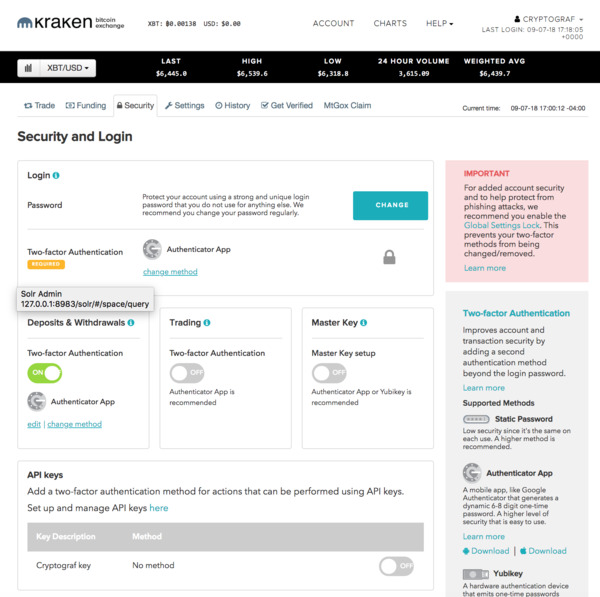
Go to the "Security" tab to confirm your settings. Please make sure that the key you have just created under API keys is not enabled with TFA. Cryptograf currently does not support TFA permissioned keys, as those are not required for read-only permissions.
You are now ready to link your Kraken exchange to Cryptograf app and start tracking your cryptocurrency! (you will need to enter your API Key and Secret stored in your Kraken account or you can choose to scan a QR code)