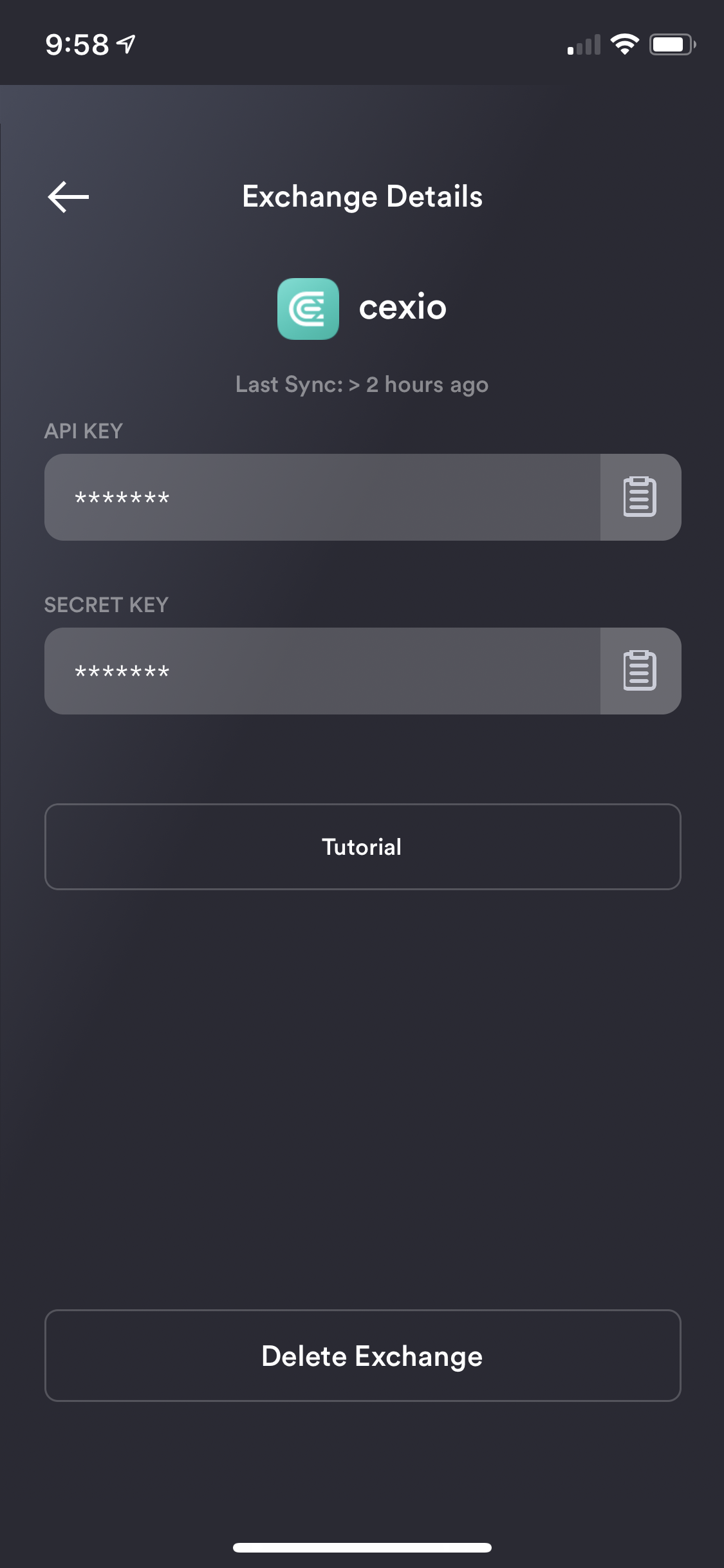
create api key for cex exchange sync integration
create api key for cex exchange sync integration
Replies
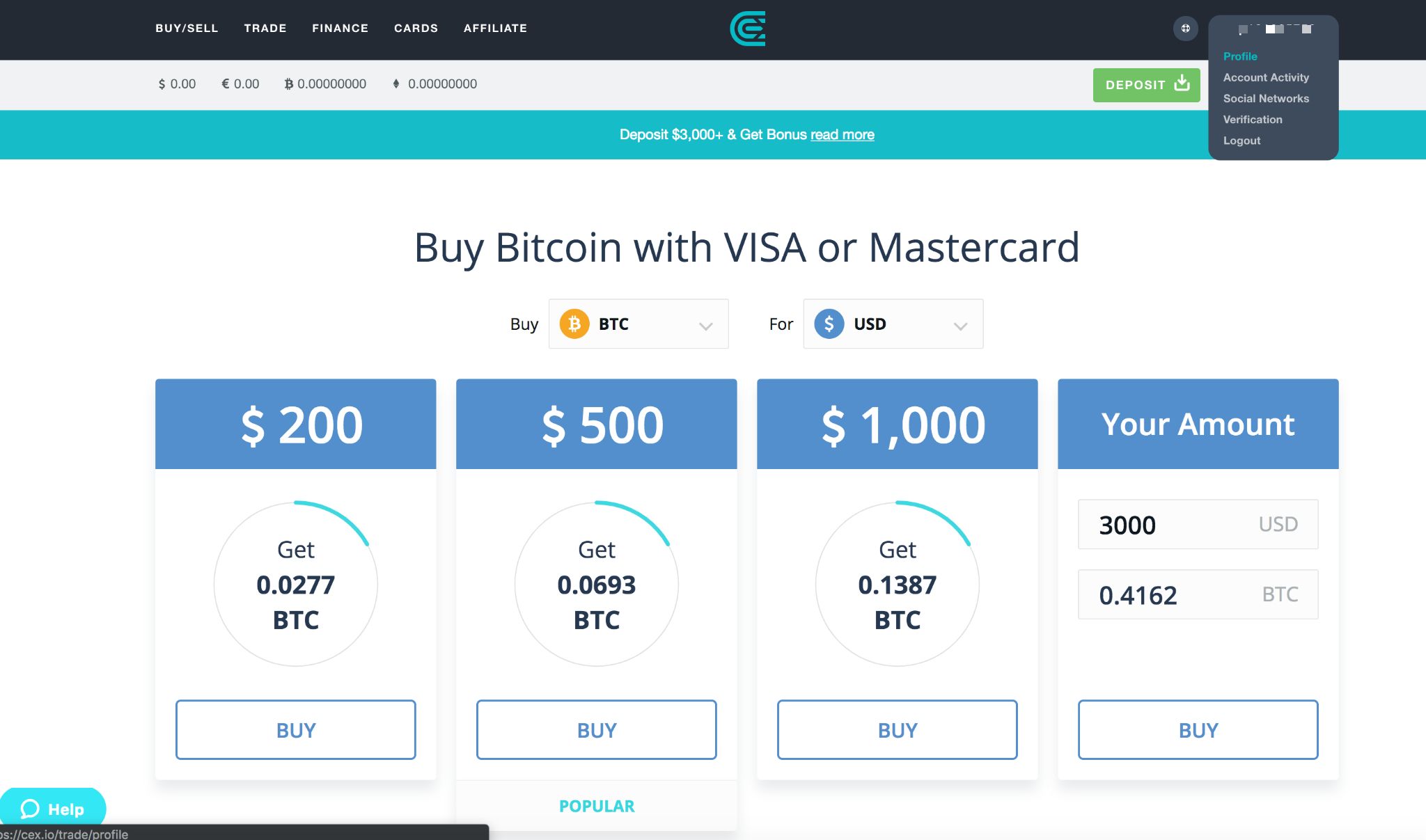
Go to the Profile section under your CEX main dashboard at the top right
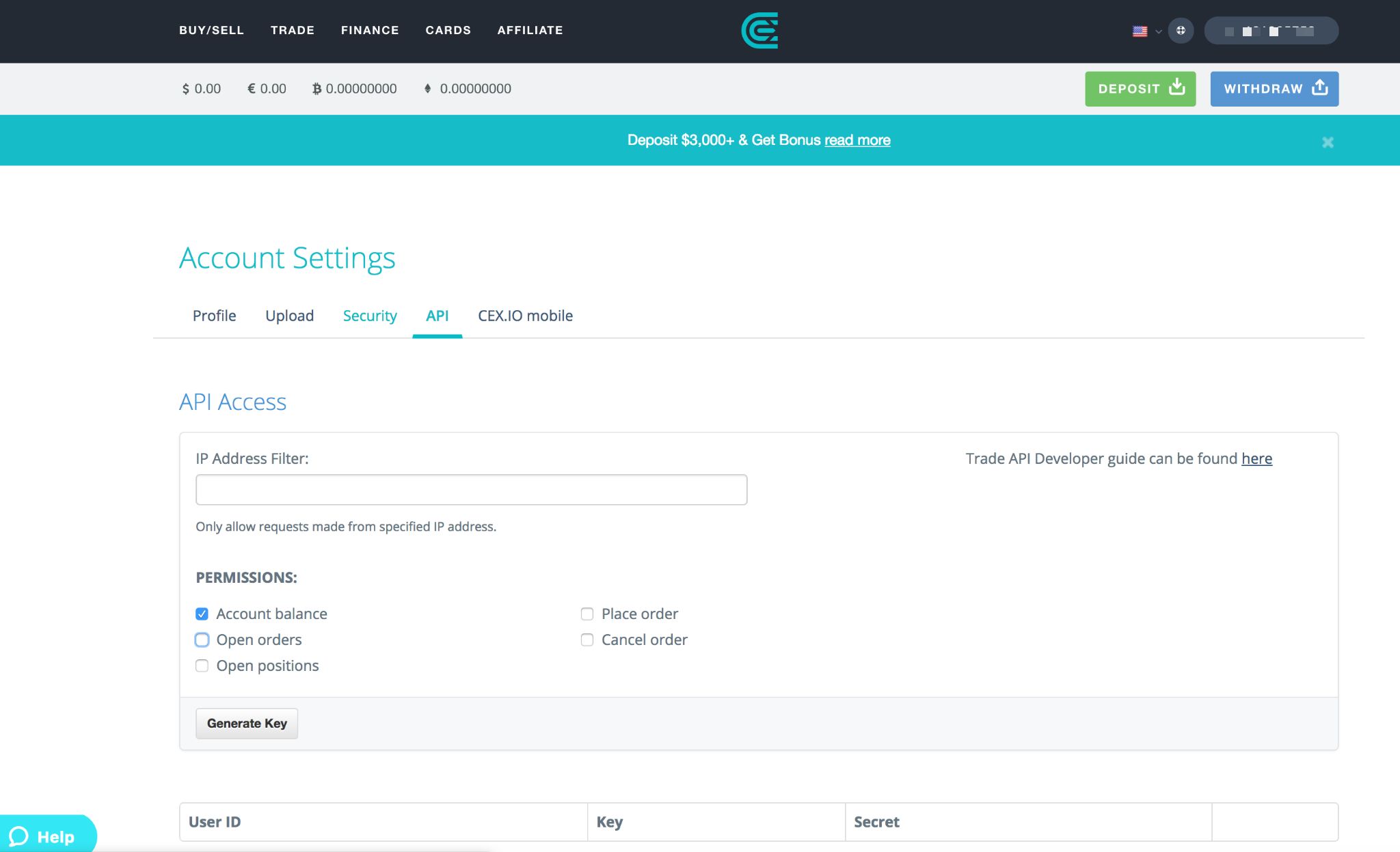
While on Account Settings page, select API tab. Create and configure your key via the "Generate Key" button. We recommend setting your key to "Account balance" permission only.
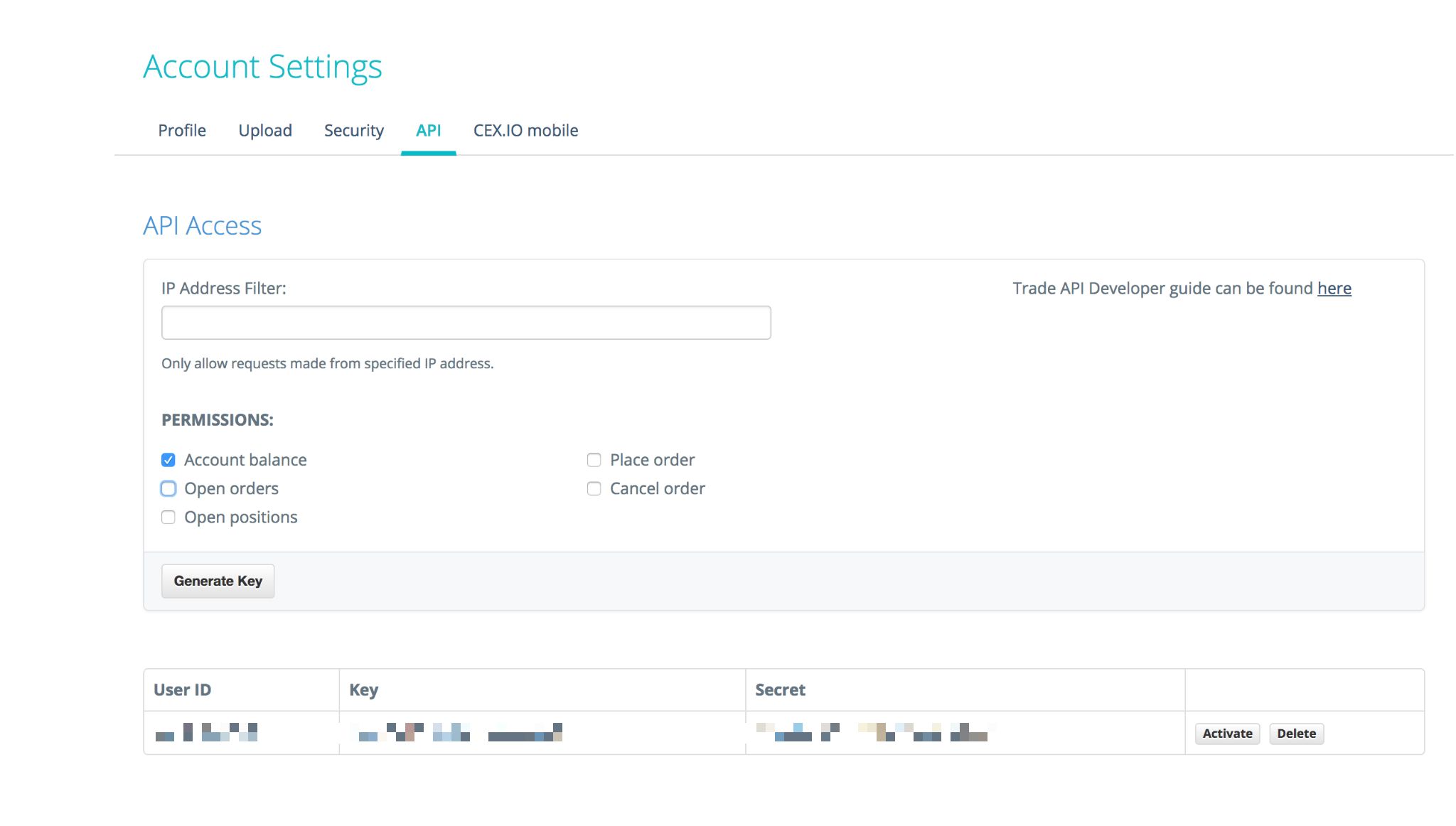
Activate the newly created key. (Make sure to copy key and secret first. You will need a TFA configured to activate your key and access to your account email.)
You are now ready to link your CEX exchange to Cryptograf app and start tracking your cryptocurrency! (you will need to enter your API Key and Secret that you have saved previously)