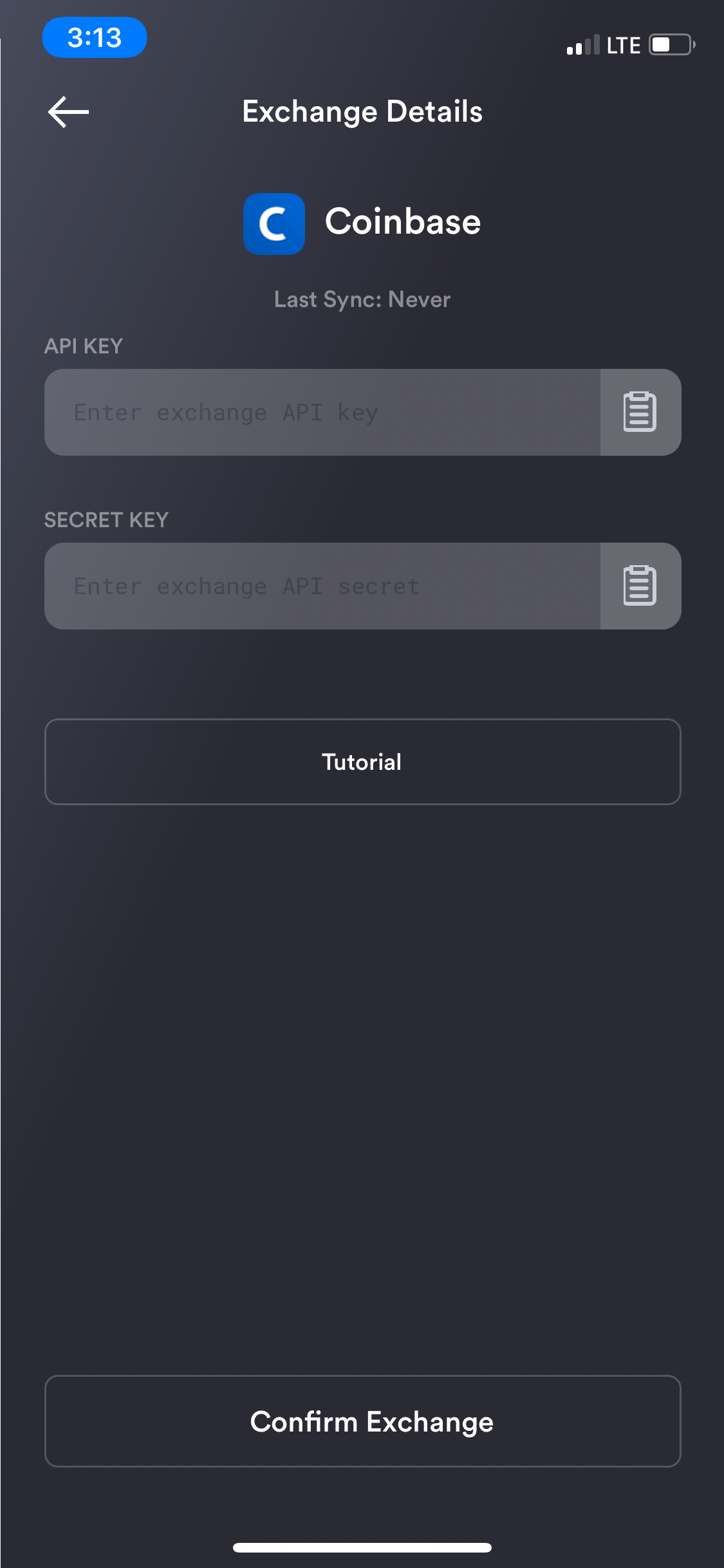
Create API Keys for Coinbase Exchange Sync Integration
Create API Keys for Coinbase Exchange Sync Integration
Replies
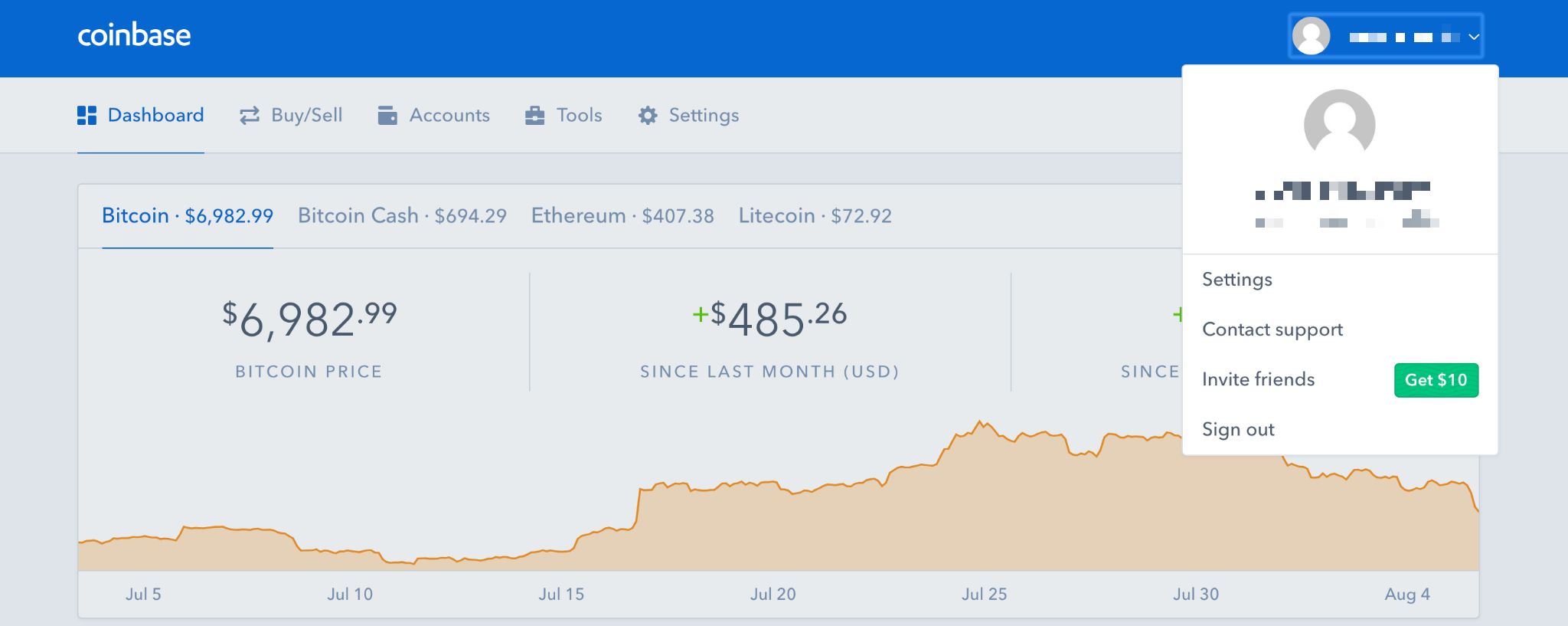
Go to Settings screen under your Coinbase main dashboard at the top right
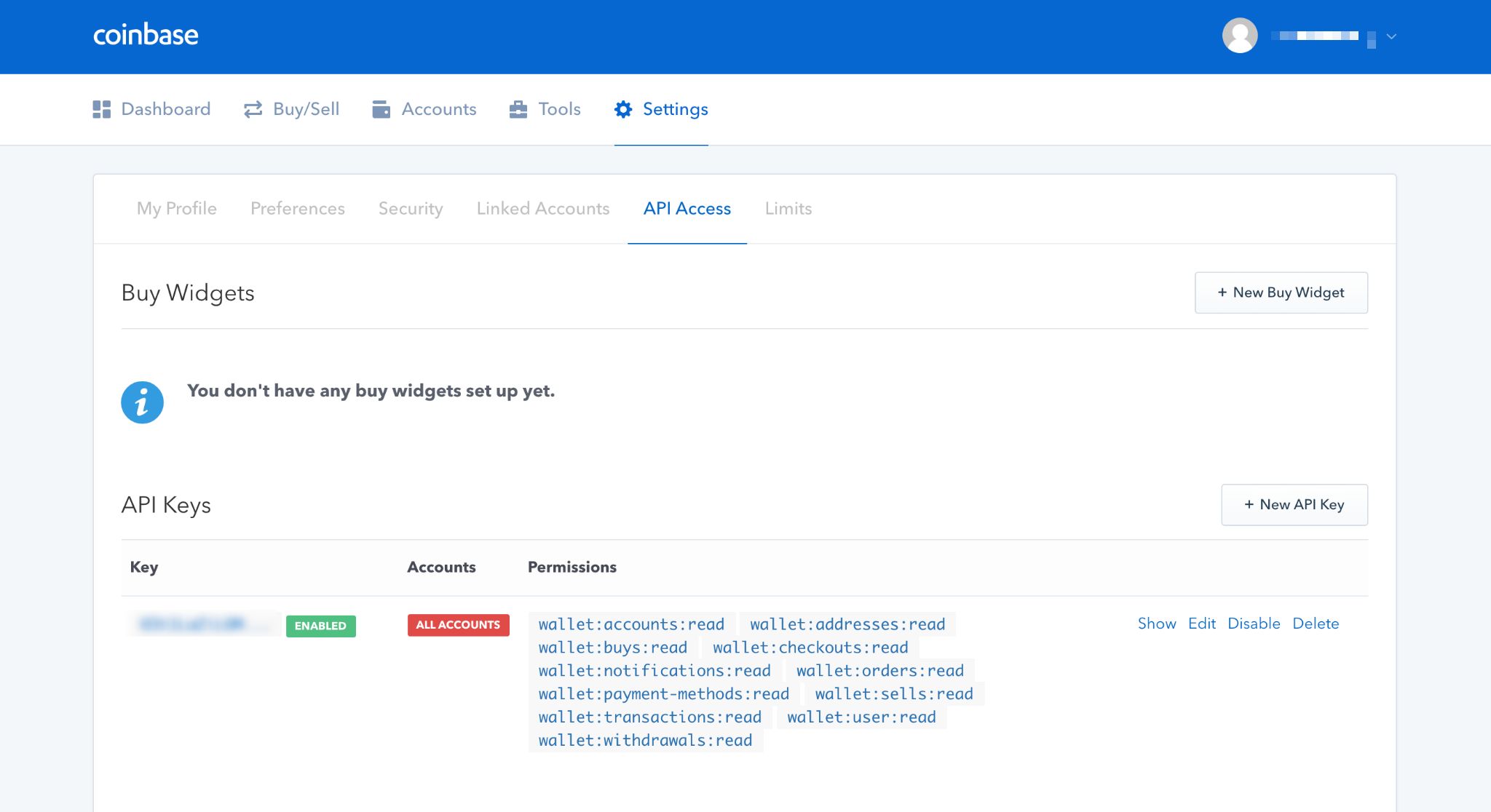
While on Settings page, select "API Access" tab
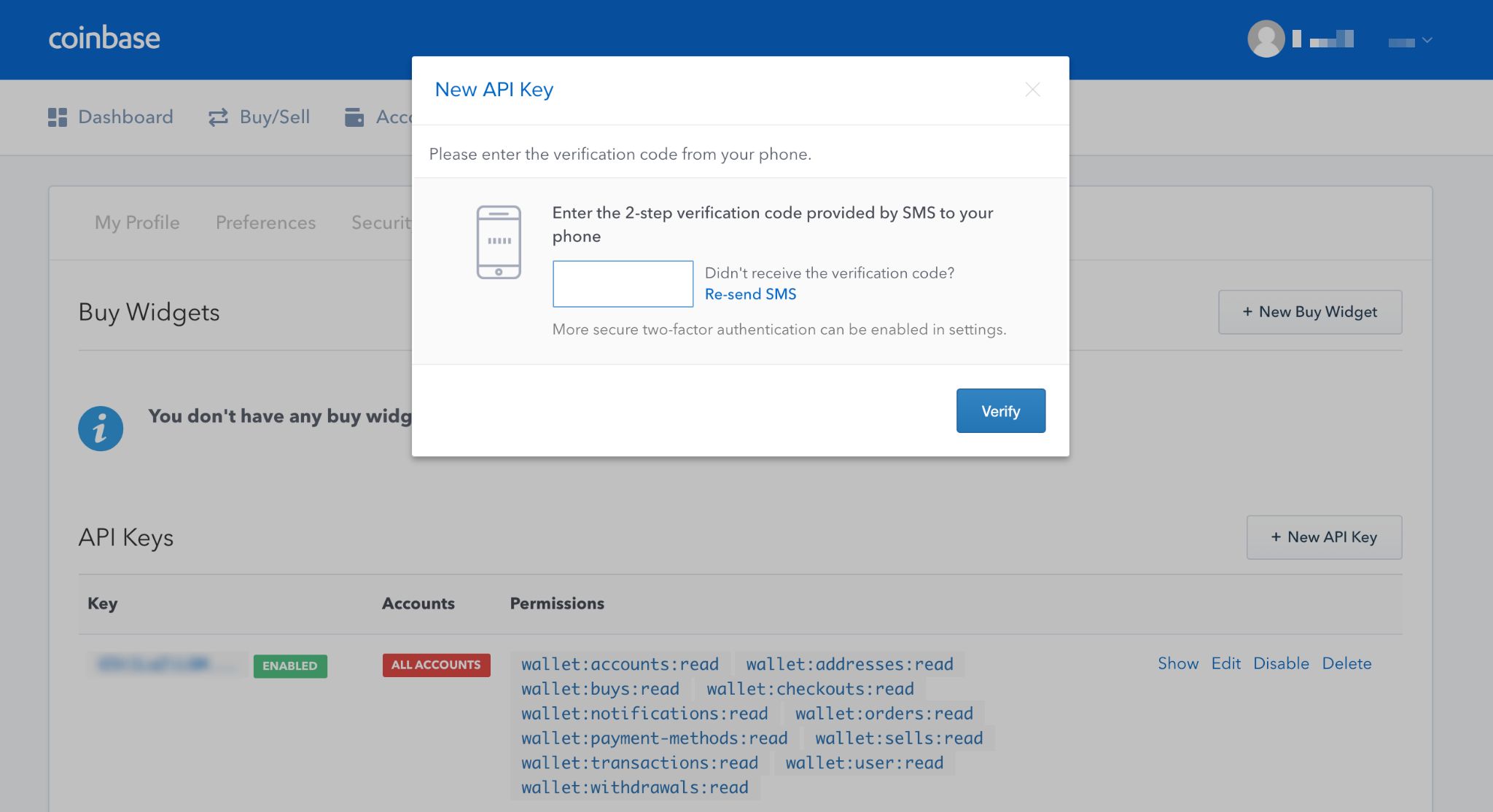
Create new API Key by selecting "+ New API Key button" (make sure your TFA is configured, if not, you will be prompted to configure it. Enter TFA code when prompted.)
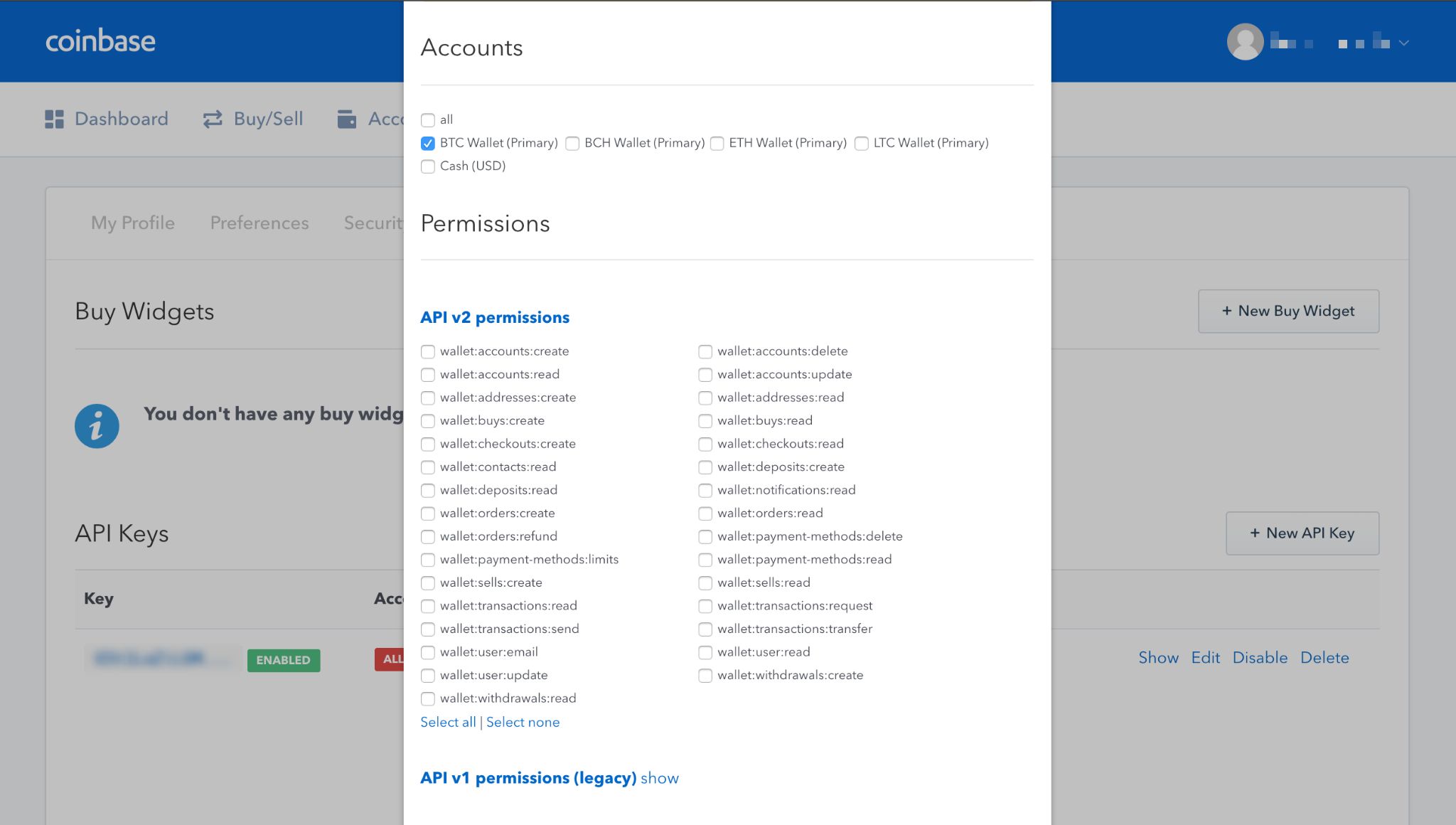
Configure API Key you just created (we recommend selecting ":read" options)
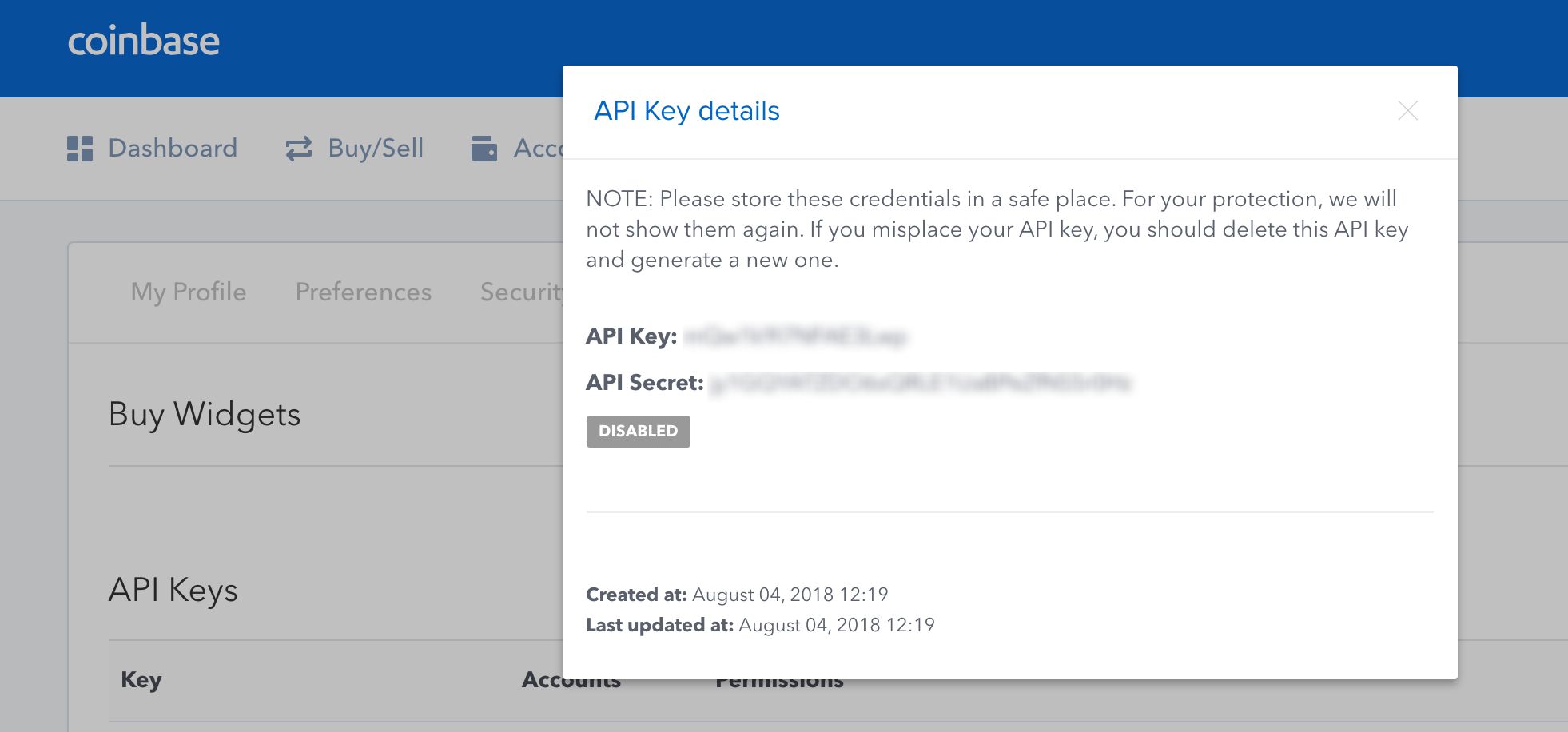
Save your API Key and Secret in a safe place for future use, it will not be shown again.
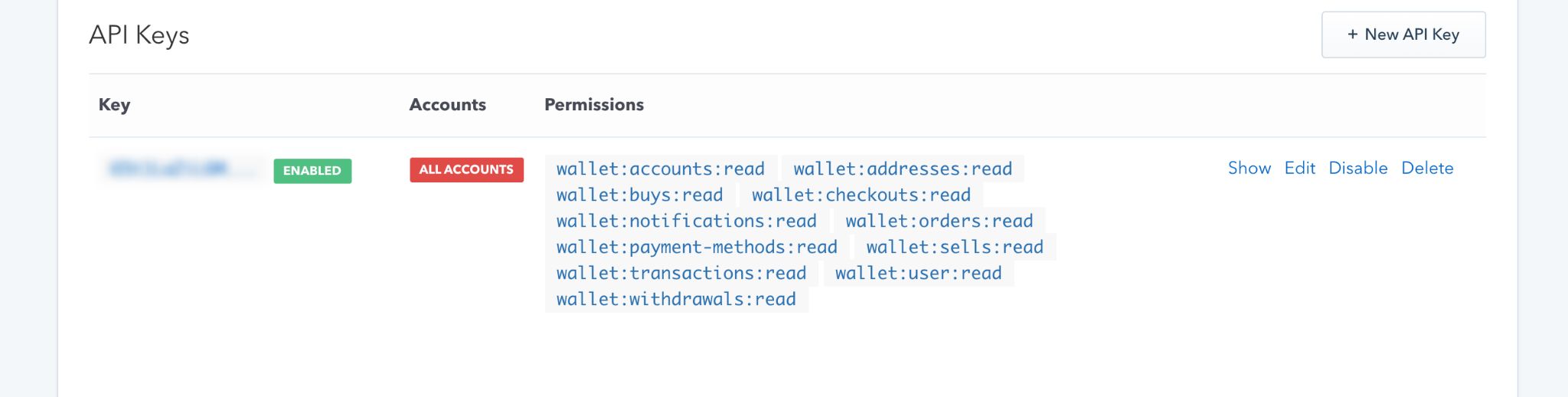
Example of a created API Key
You are now ready to link your Coinbase exchange to Cryptograf app and start tracking your cryptocurrency! (you will need to enter your API Key and Secret that you have saved previously)