Gm newcomers ☕️ another leaf of [[Treechat Help]] aswell a…
Gm newcomers ☕️
another leaf of [[Treechat Help]]
aswell as the upvote system you can send sats to users directly, here's how:
!pay @<username> <amount> and you'll get a popup asking to confirm, after which treechat will send your money with your message.
for example - !pay @pxl272 10000
it uses satoshis by default, but if you type bsv or btc after it'll try to Do The Right Thing™ and send the right units. you'll have a chance to click cancel and not send it if you accidentally sent bsv when you meant to send sats.
Replies
Hey @Brooz ☕️,
I'm trying to send you sats, but is isn't working.
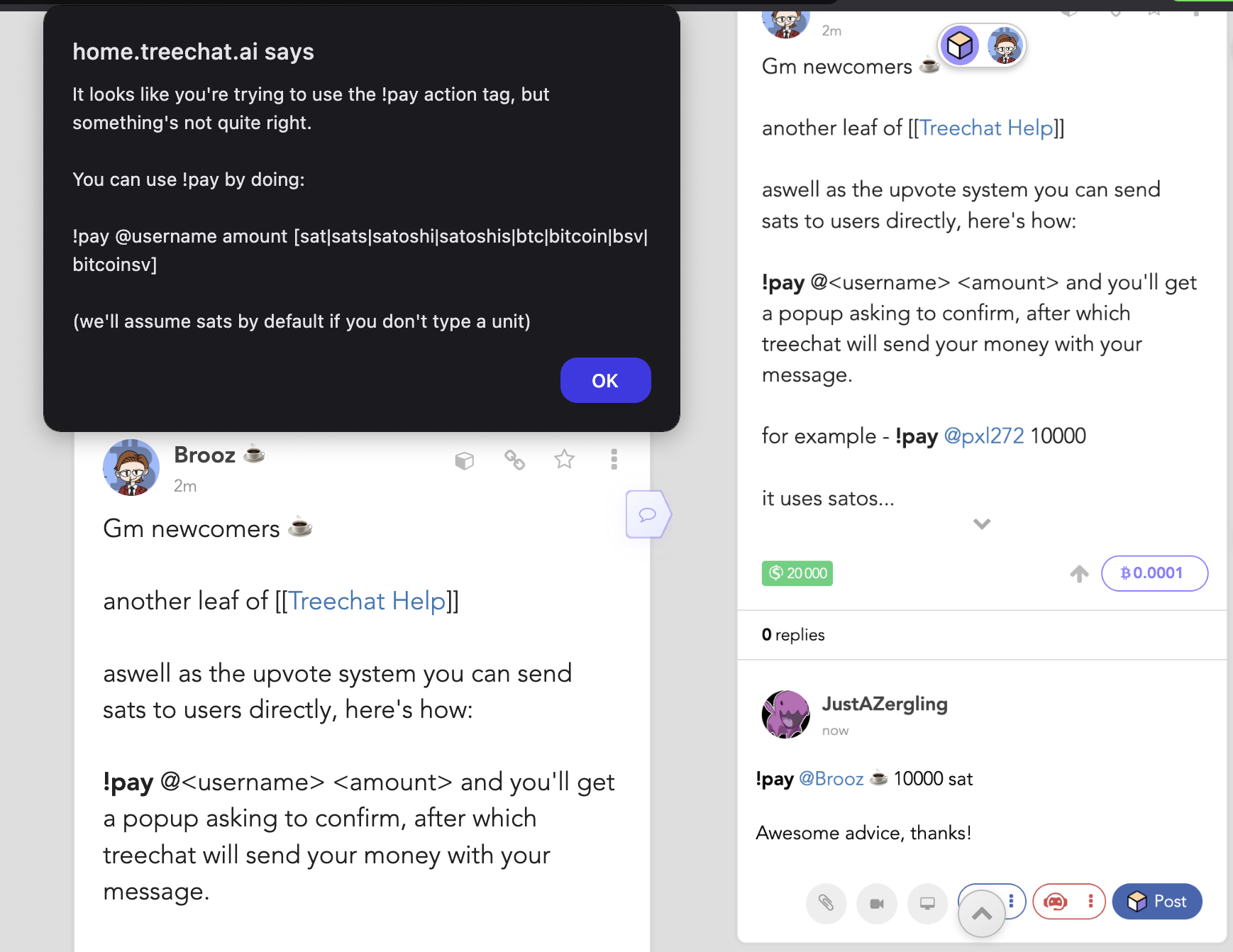
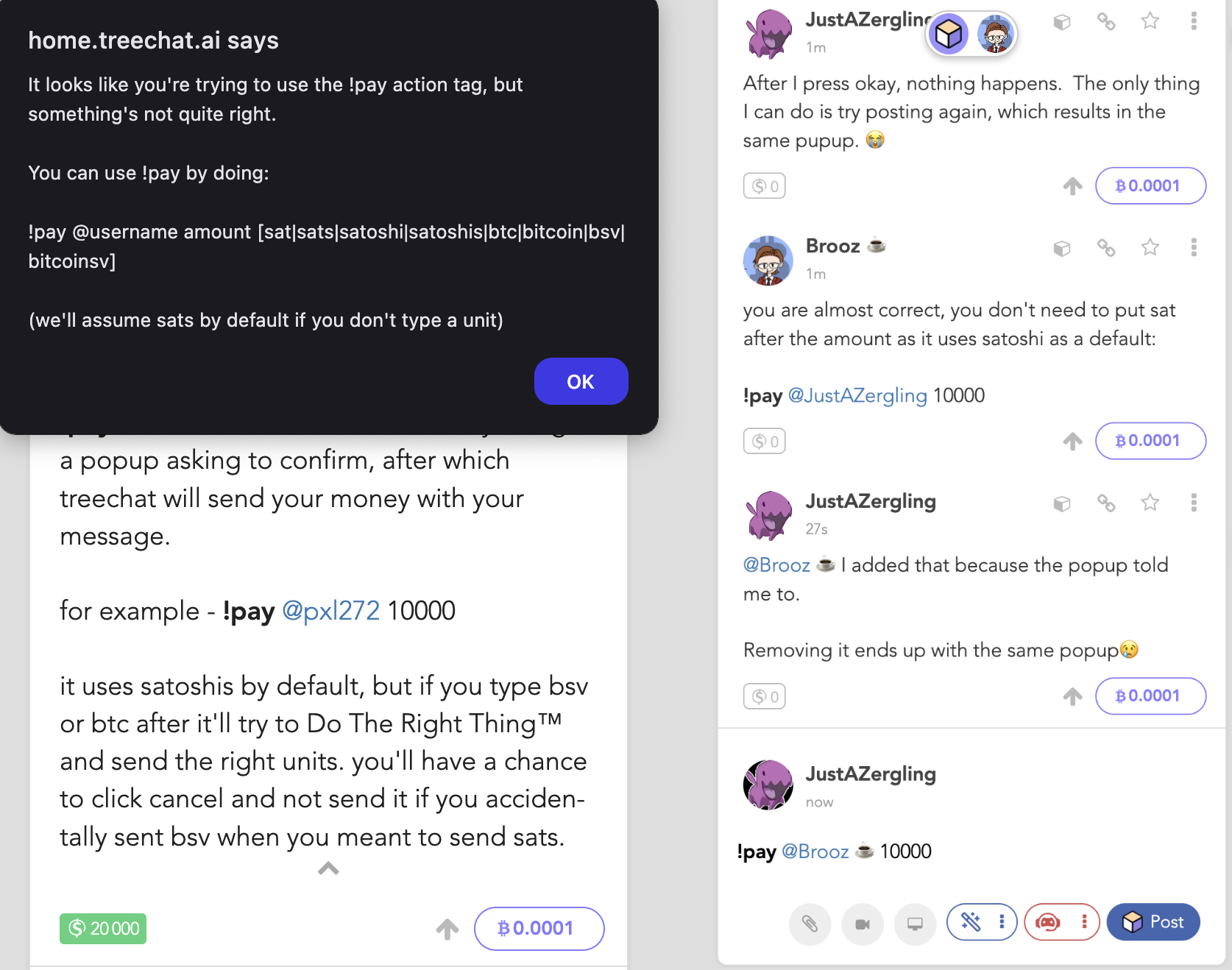
After I press okay, nothing happens. The only thing I can do is try posting again, which results in the same pupup. 😭
you are almost correct, you don't need to put sat after the amount as it uses satoshi as a default:
!pay @JustAZergling 10000
@Brooz ☕️ I added that because the popup told me to.
Removing it ends up with the same popup😢
interesting...its been working for me...
@metamitya @arghzero the new pay feature has been working for me, can you help @JustAZergling as he has followed the correct steps and it's now working
lol took a look the issue is that you actually can't pay @Brooz ☕️ right now (the ☕ emoji in your username is messing up the logic for how it pulls out the username)!
@JustAZergling if you need more help tag @metamitya and/or @arghzero and they'll be able to help you. it's gone 6am for me so don't know how much longer il be awake for lol
will add a fix for this
should be fixed now https://home.treechat.ai/quest/998735d8-f12c-49ab-8009-dca198b58504
[[learn treechat]]